🏆 Customer favorite #1
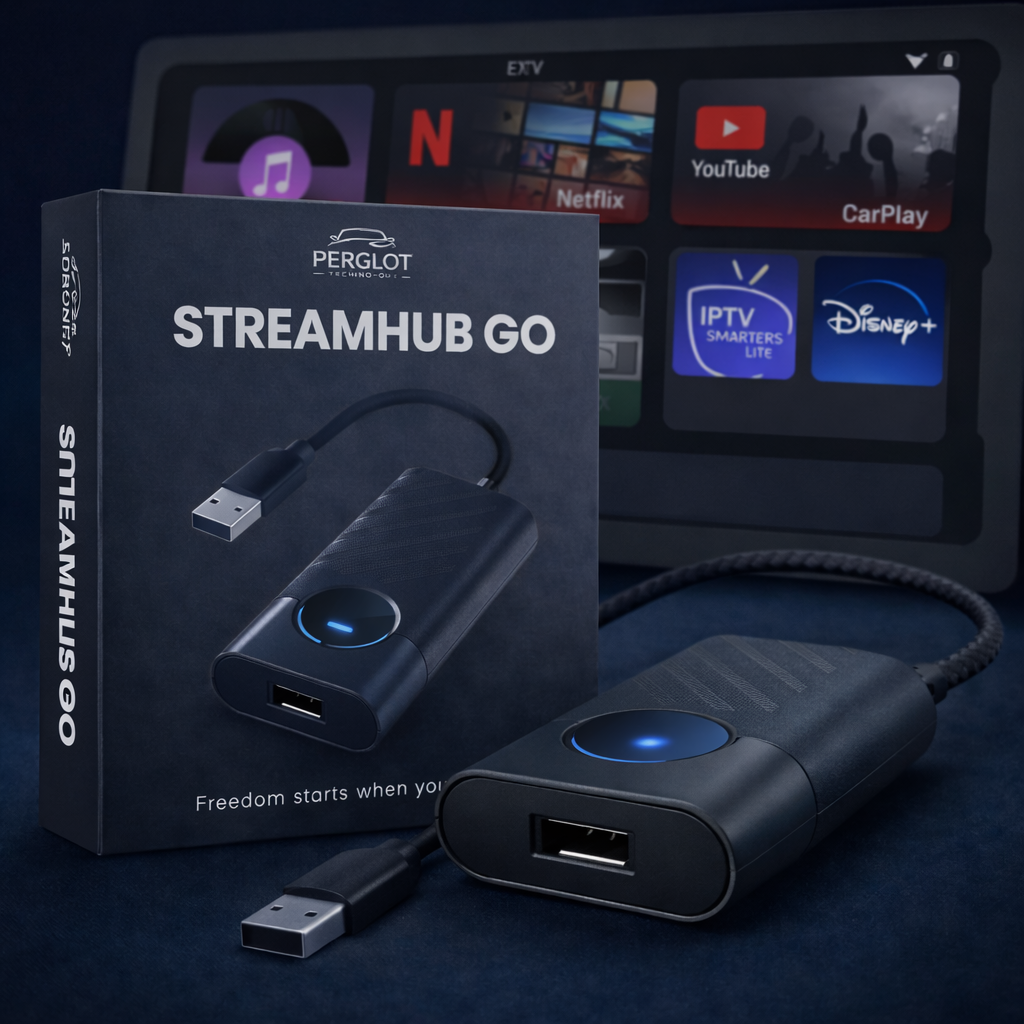
StreamHub GO – Wireless CarPlay & Android Auto Car Adapter | Netflix, YouTube, TikTok, Disney+, Spotify, IPTV | All-in-1
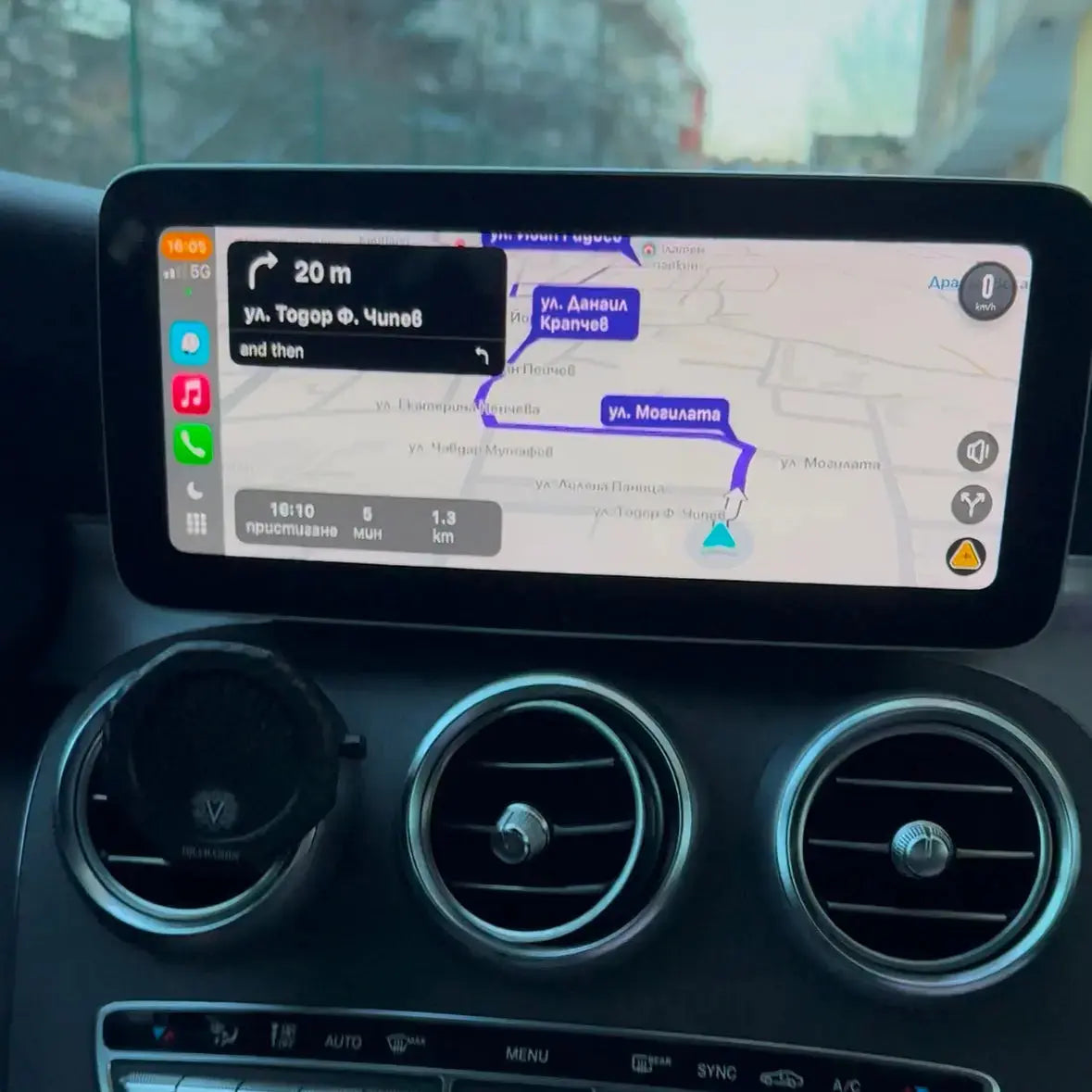
- Works with Android Auto and Apple CarPlay
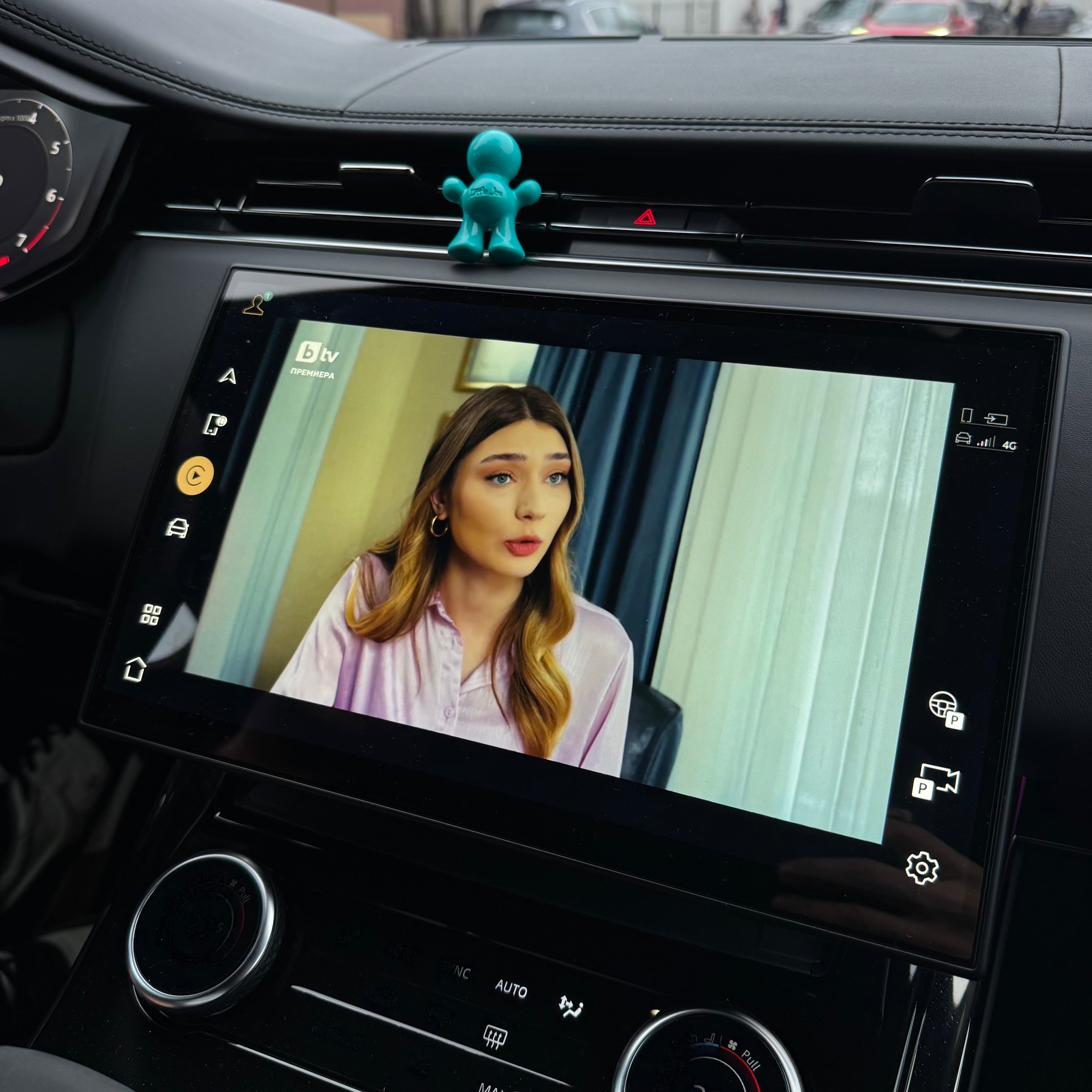
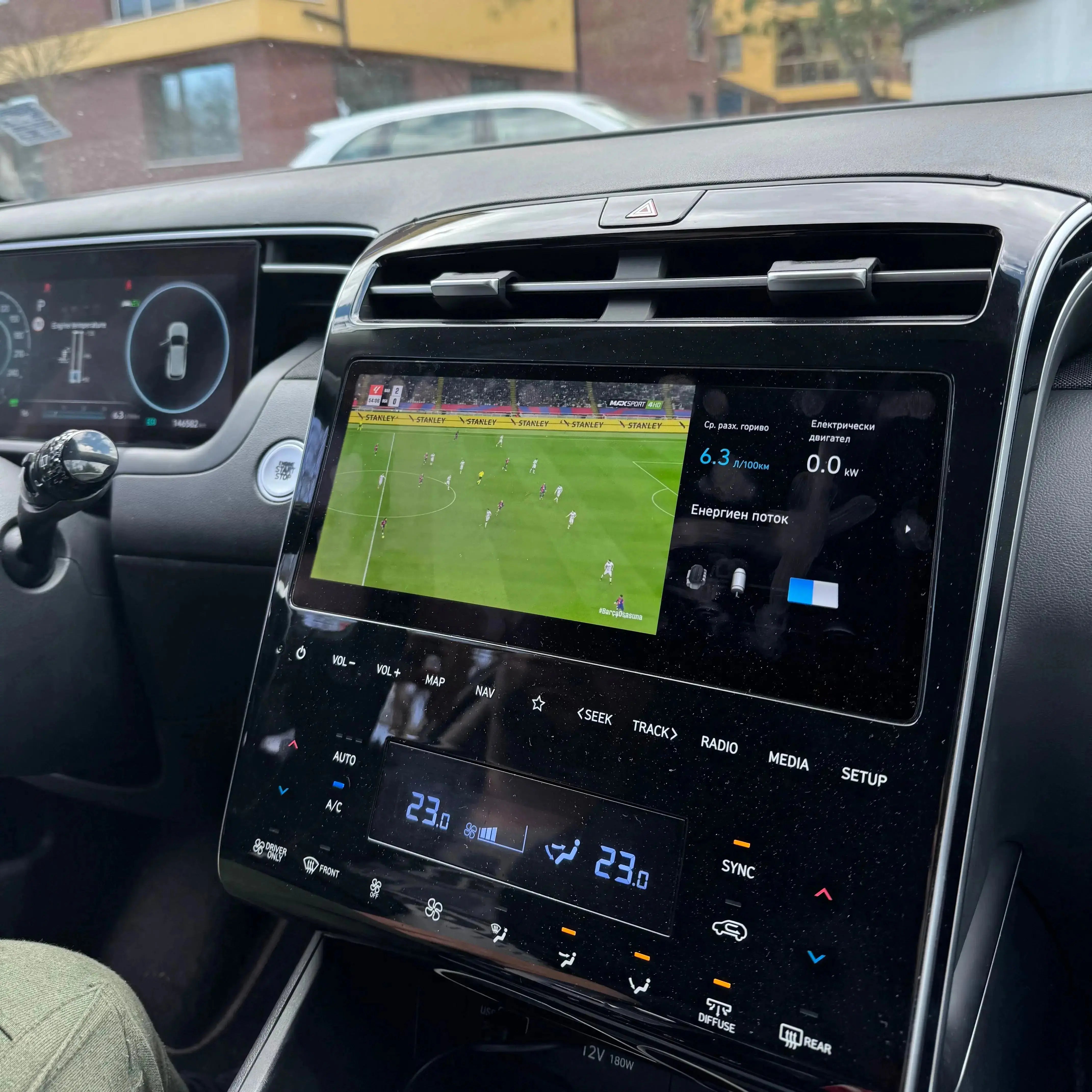
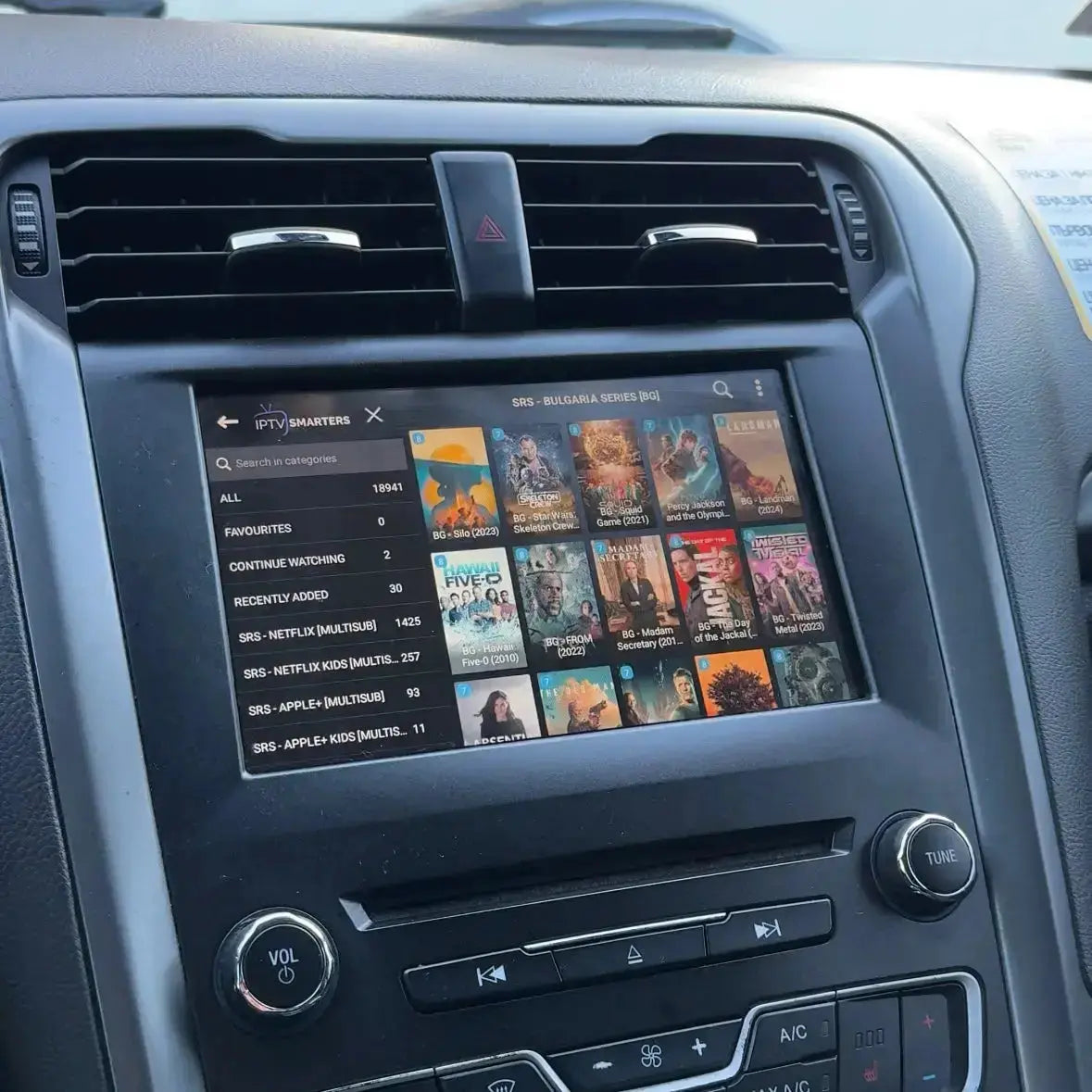
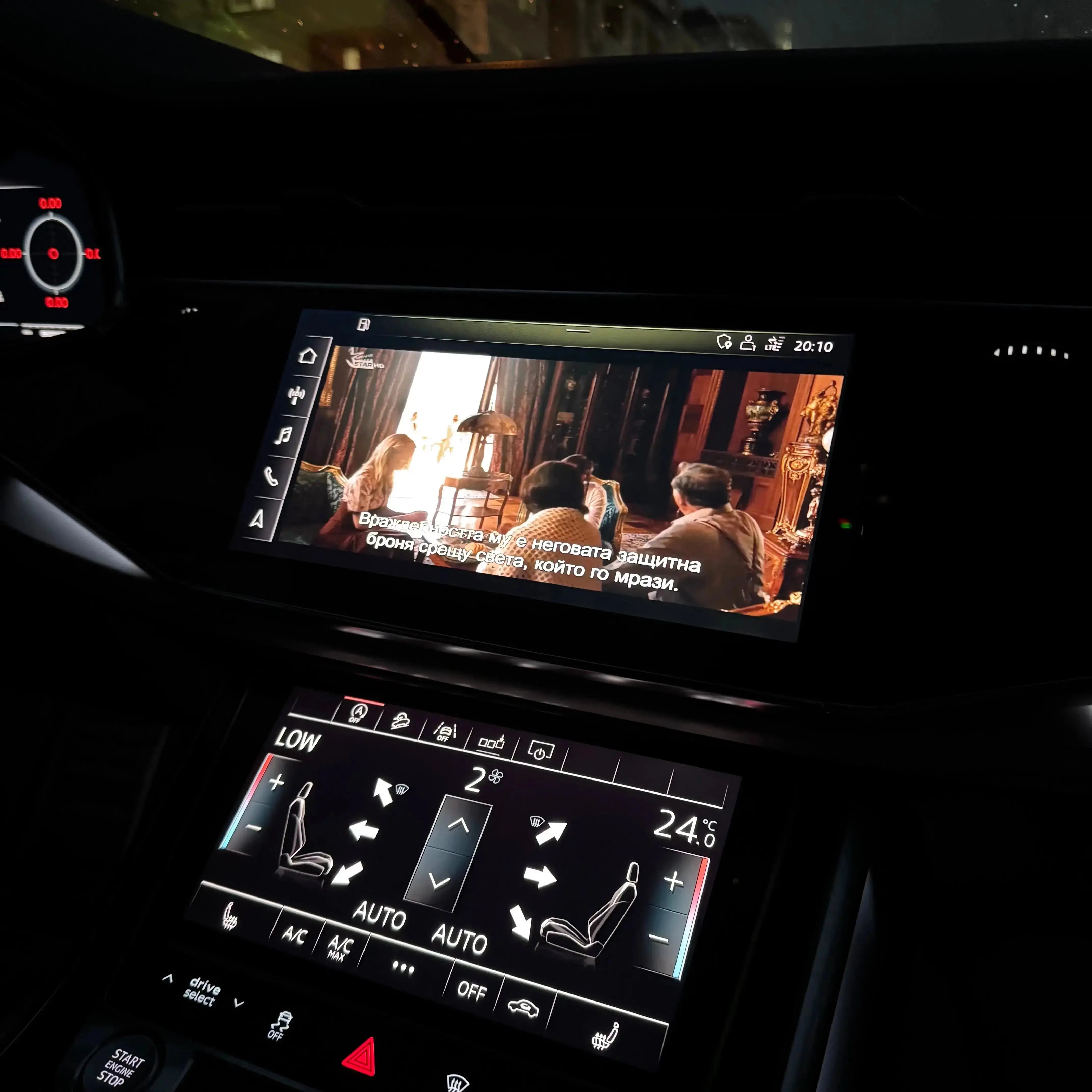
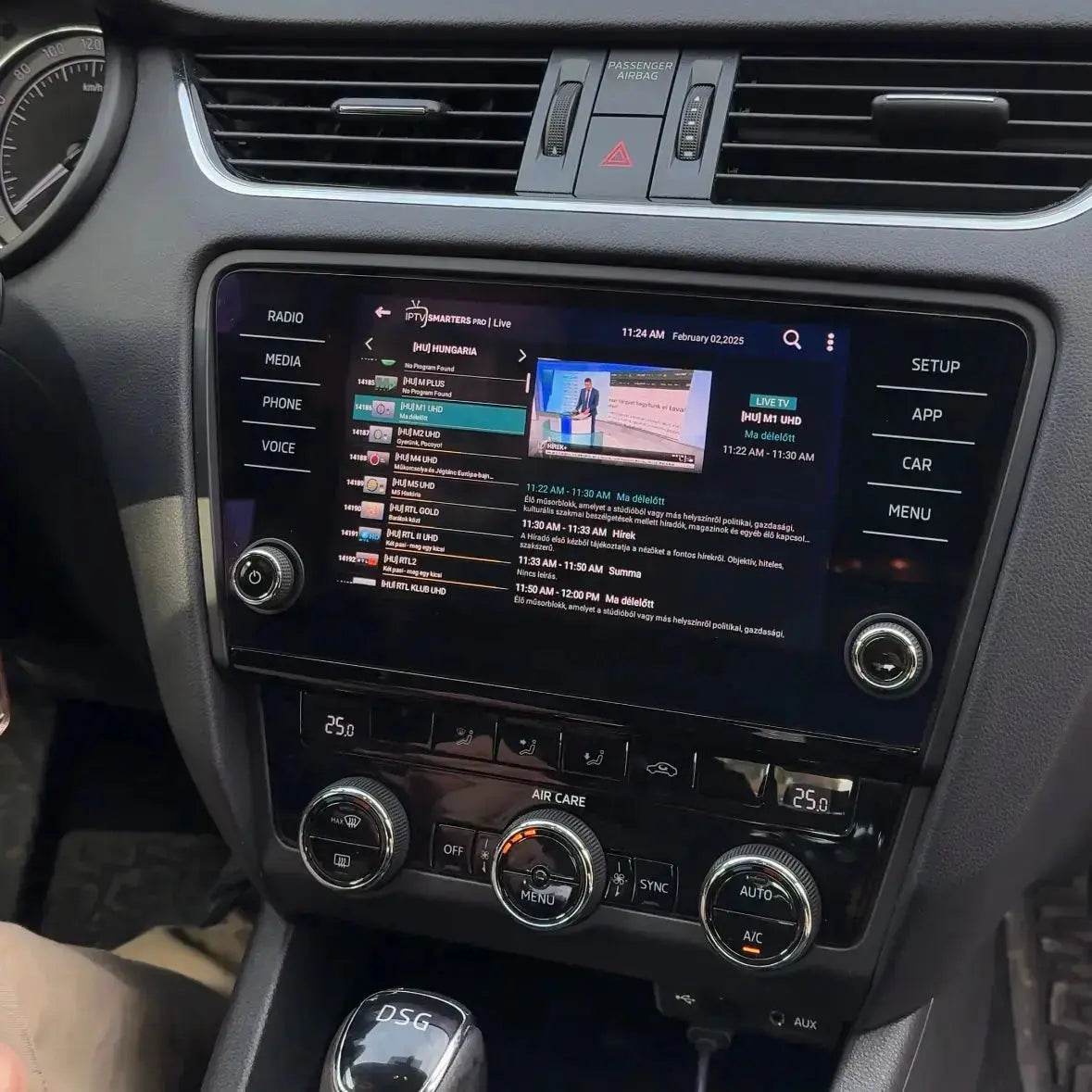
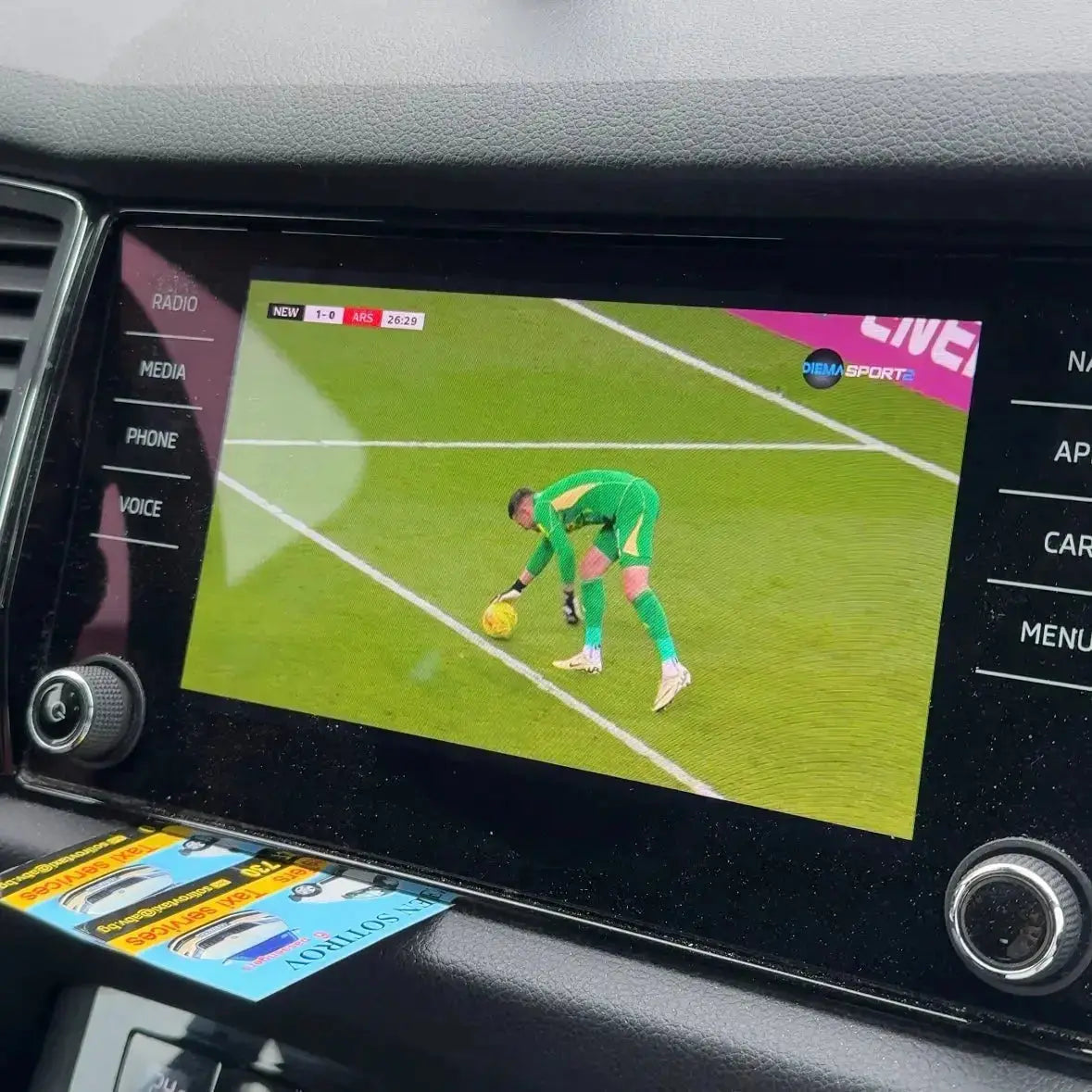
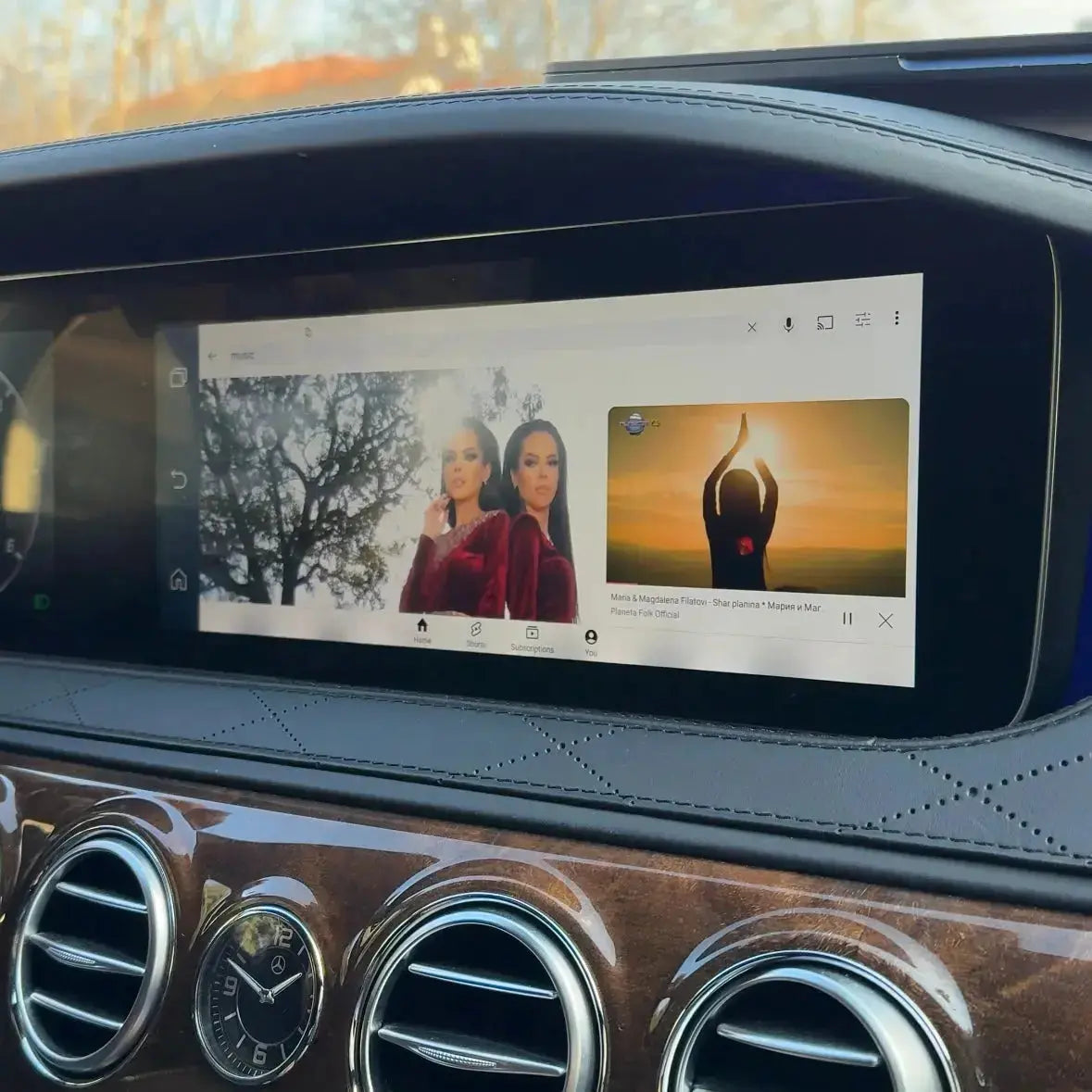
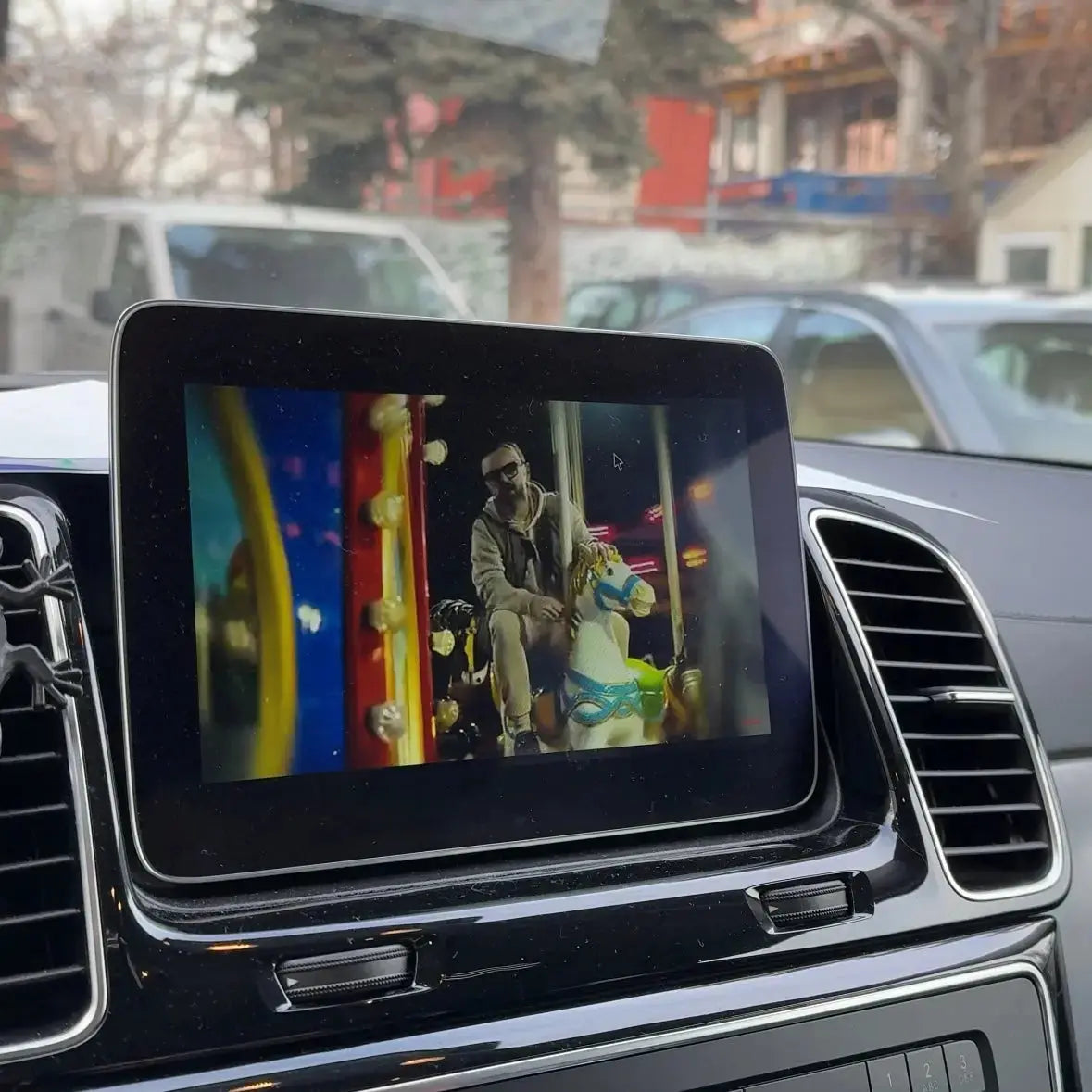
- Watch Television, Movies and TV Serieswhile you travel
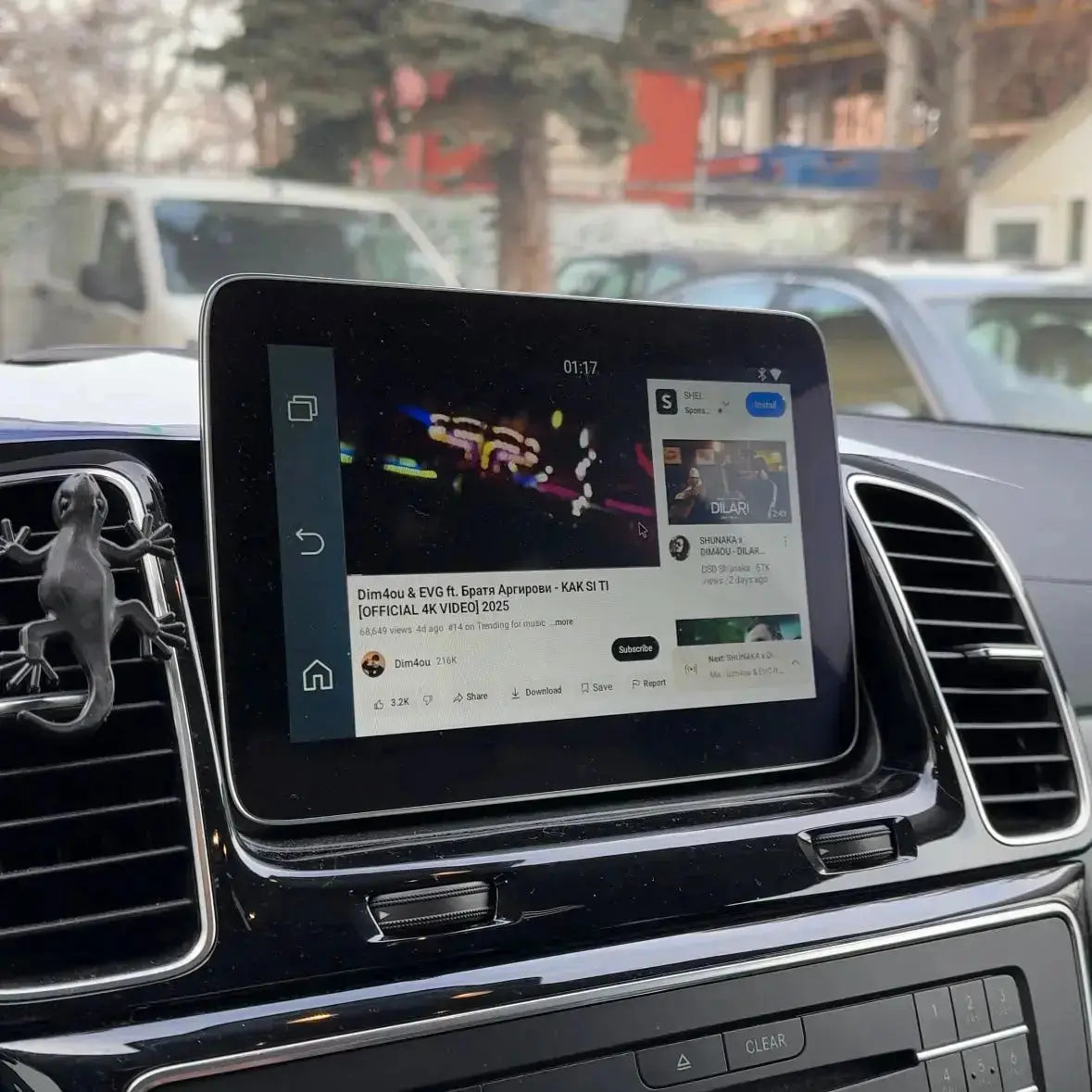
- 29 applications - Netflix, Youtube, Spotify, IPTV, DAZN, TikTok and more.
- Forget about annoying cables – the connection is wireless
- Works on the go
- Easy setup just for 60 seconds
- Automatic connection

This adapter is compatible with 98% of car brands (except BMW - we offer another device for it).
 Shipping within 24 hours
 30 days right of return

You get a 2-year warranty
2 year warranty - protection against manufacturing defects
What's in the box?
- StreamHub GO Adapter
- USB cable (Type C - A)
- USB cable (Type C - C)
- User manual
- Packaging
Technical specifications
- Built-in applications: Netflix, YouTube, IPTV Smarters Pro, Spotify, Amazon Prime, Magio TV, Skylink CZ, VK Video, Voyo, Kinopoisk, Watcha, FOD, DASHCAMLINK, Star TV, LINE Music, Kodi, Mediaset Infinity, RaiPlay, TikTok, DAZN, TikTok Lite, RTL+, Joyn, ARD Mediathek, Torne Mobile, Disney+, U-NEXT, Oneplay
- FOTA (online update)
- Operating system : Android 12
Hardware
- CPU: Allwinner H618, Quad-core A53, 1.5GHz
- RAM + ROM: 4GB + 64GB
- Expandable memory: via USB flash drive up to 128 GB
Connectivity
- Wi-Fi: dual module, Dual-band 802.11 a/b/g/n/ac (2.4 GHz + 5 GHz)
- Bluetooth 5.4 – for iPhone/Android smartphones (hands-free calls, audio streaming), as well as for external BT mouse, remote control, etc.
- Connectors: USB Type-A, USB Type-C
- Power supply: USB 5V
Others
- Operating temperature: -20 ~ 75 °C
- Languages: over 100 languages
- Systems included: Android System, CarPlay and Android Auto
- Size: 80 mm*40mm*14mm
- Weight: 45 grams
- Material : Plastic and Aluminum
- Color: Black
Packaging
- Device weight: 0.19 kg/190 grams
- Device size: 8 x 4 x 1.4 cm
- Box size: 15 × 13 × 3 cm
Shipping and returns
The product is shipped within 24 hours. If the product does not meet your expectations, you have 30 days to return it. To do this, you can review our Return and Refund Policy or contact us at support@perglot.com
Installation and service
In the kit you will find a detailed installation and usage manual. If you still encounter difficulties, do not hesitate to contact our team at support@perglot.com or use the built-in WhatsApp chat - we will be happy to assist you.

CONNECT IN UNDER 2 MINUTES
Follow these simple steps

Connect the device to the car
Use the included USB cables and connect to the port designated for CarPlay or Android Auto.

Accept the condition written on the screen by selecting "Accept"
Wait for the device to boot. The car will recognize it as CarPlay/iPhone. Click "Accept" on the warning that reminds you not to look at the screen while driving.

Connecting to Carplay or Android Auto
Select the green icon for AndroidAuto or CarPlay. Once a Bluetooth connection appears on the display, open your phone's Bluetooth settings, find it and connect, making sure Wi-Fi is also turned on.

Connecting to the Internet
Launch the hotspot from the phone and enter the device settings. From settings, go to Wifi → Internet and search for your Wi-Fi network. Select the network and enter the password if there is one. Done - you can now watch IPTV, Netflix or YouTube. Settings are saved automatically, so you don't have to repeat them every time you turn on
StreamHub GO is perfect for you if:
You want TV, Netflix, YouTube and other apps in your car
You travel often.
Do you have children in the family?
Do you drive a bus, truck or taxi?
You want a more fun and memorable experience in the car
Everything you love – collected in one device!


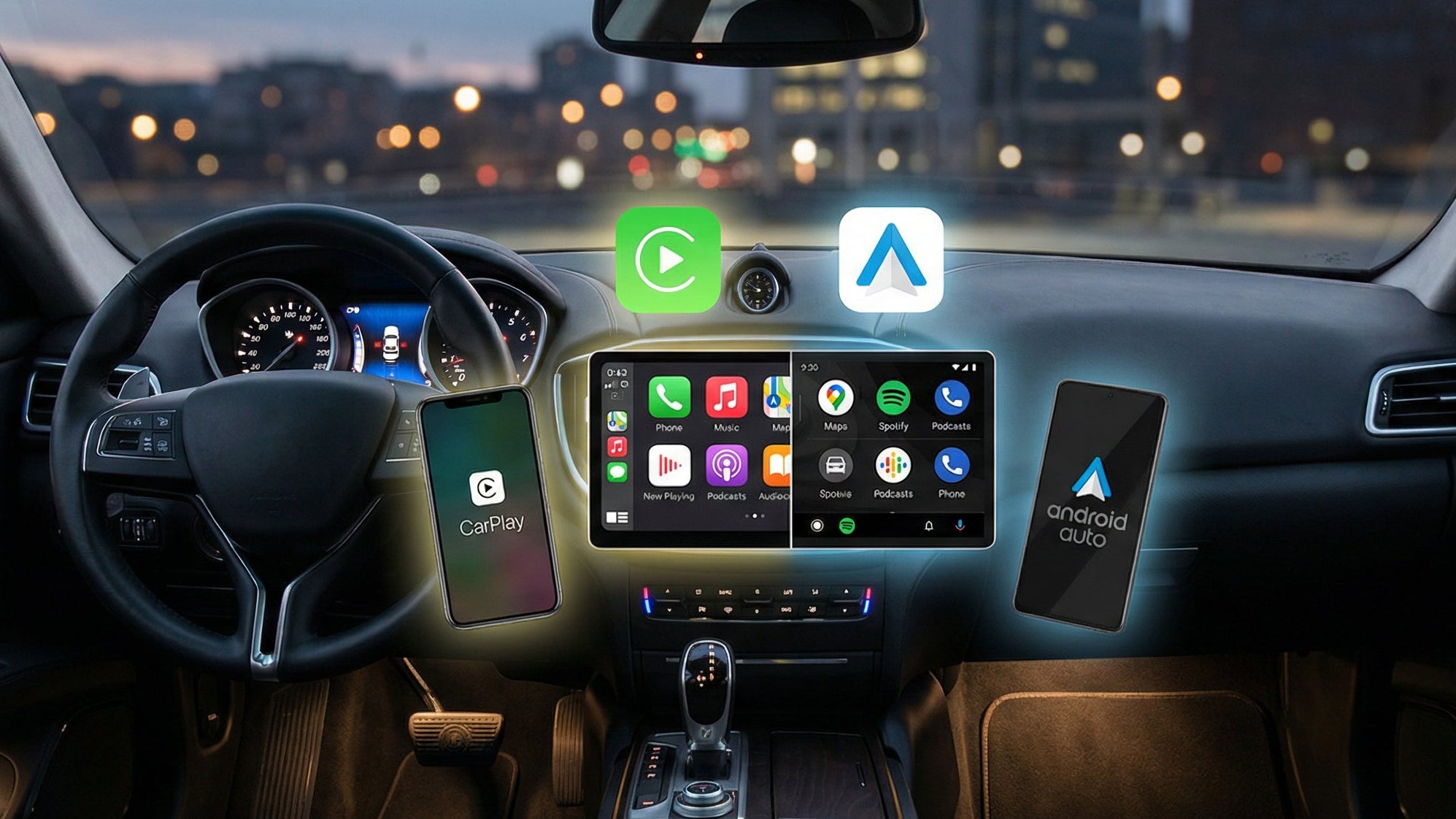
Wireless connection
Forget about cables – the device provides a wireless connection, giving you complete freedom and convenience.
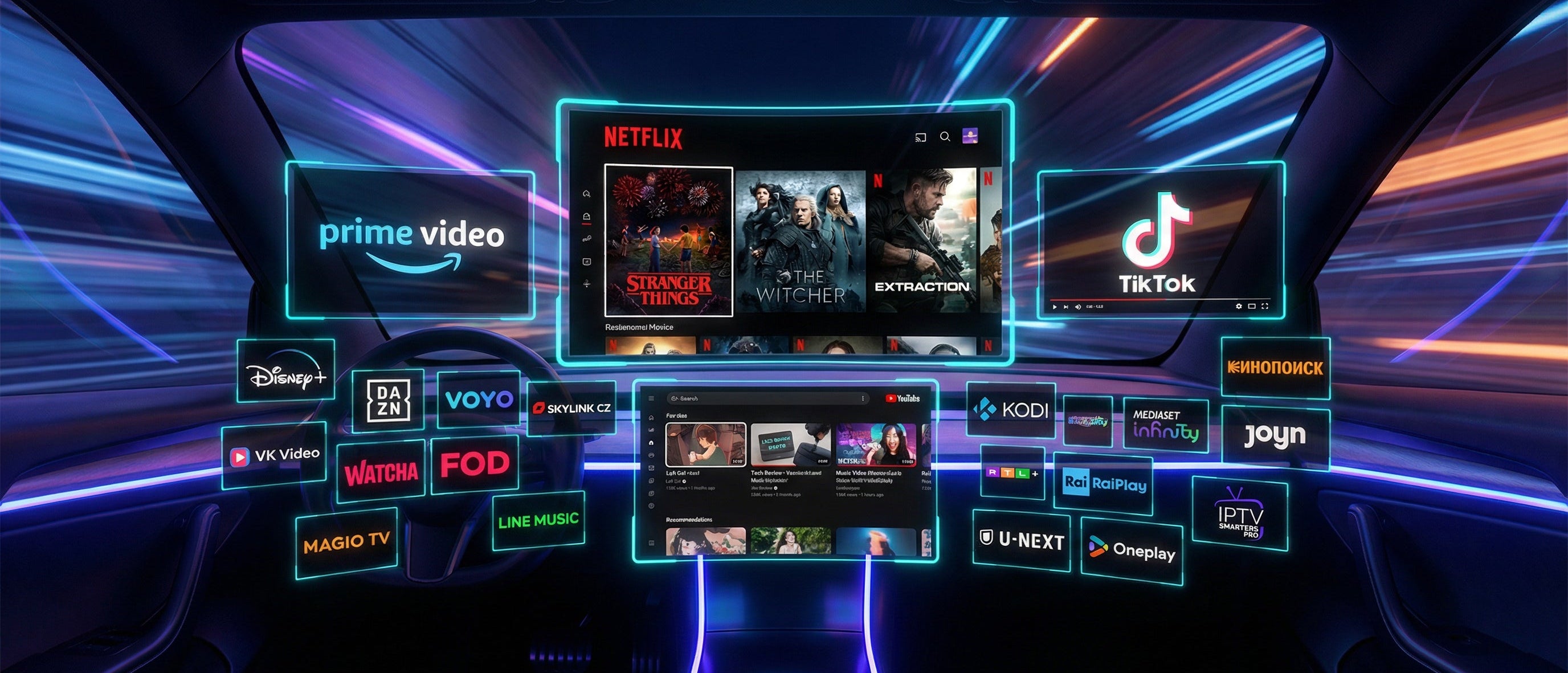
Access your favorite apps
25+ apps at your fingertips – Netflix, YouTube, Spotify, TikTok, Disney+, DAZN, Waze, Google Maps, Voyo, Kodi, RaiPlay, RTL+ and many more. Your car, your entertainment center.

Automatic connection
The device automatically connects to your phone every time you get in the car to start your journey without delay.
Sound quality
Enjoy crystal clear sound that makes every journey a pleasure, whether you're listening to music or having conversations.
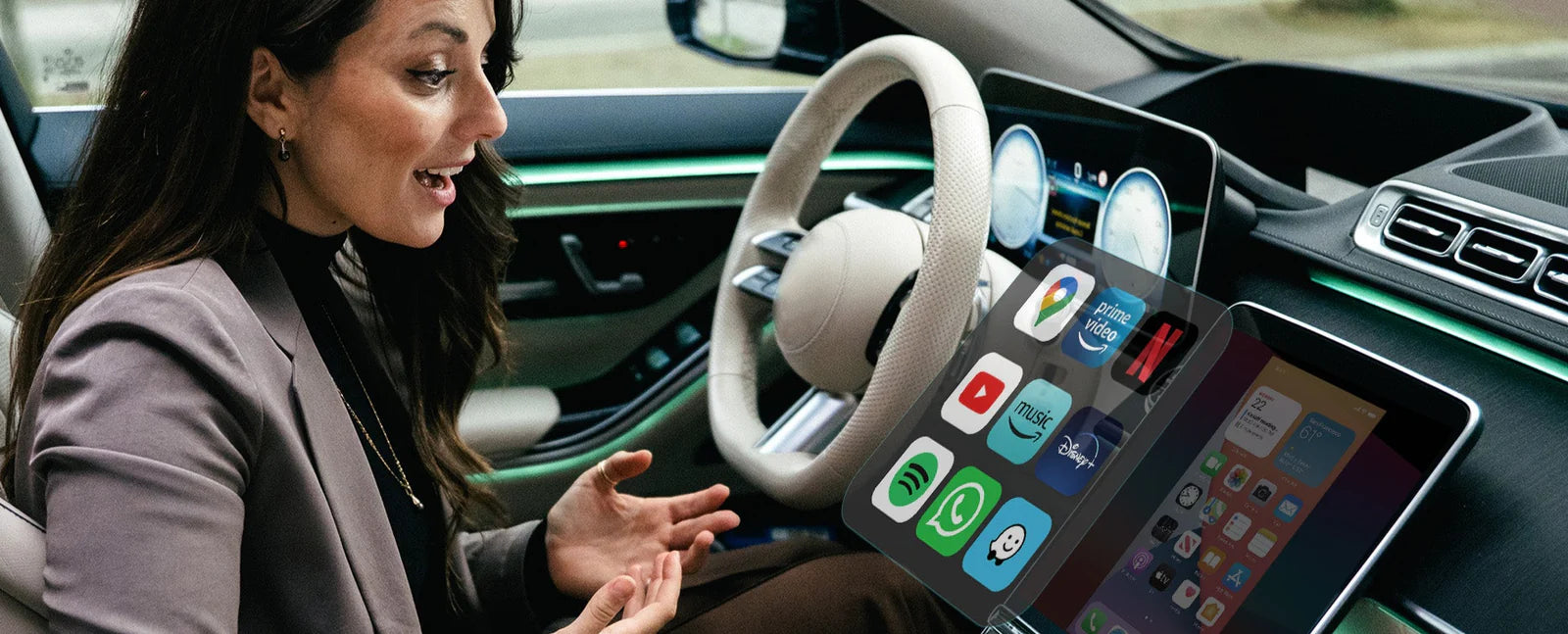
Voice Commands
Control your device with just your voice – safely and easily, without getting distracted from driving.
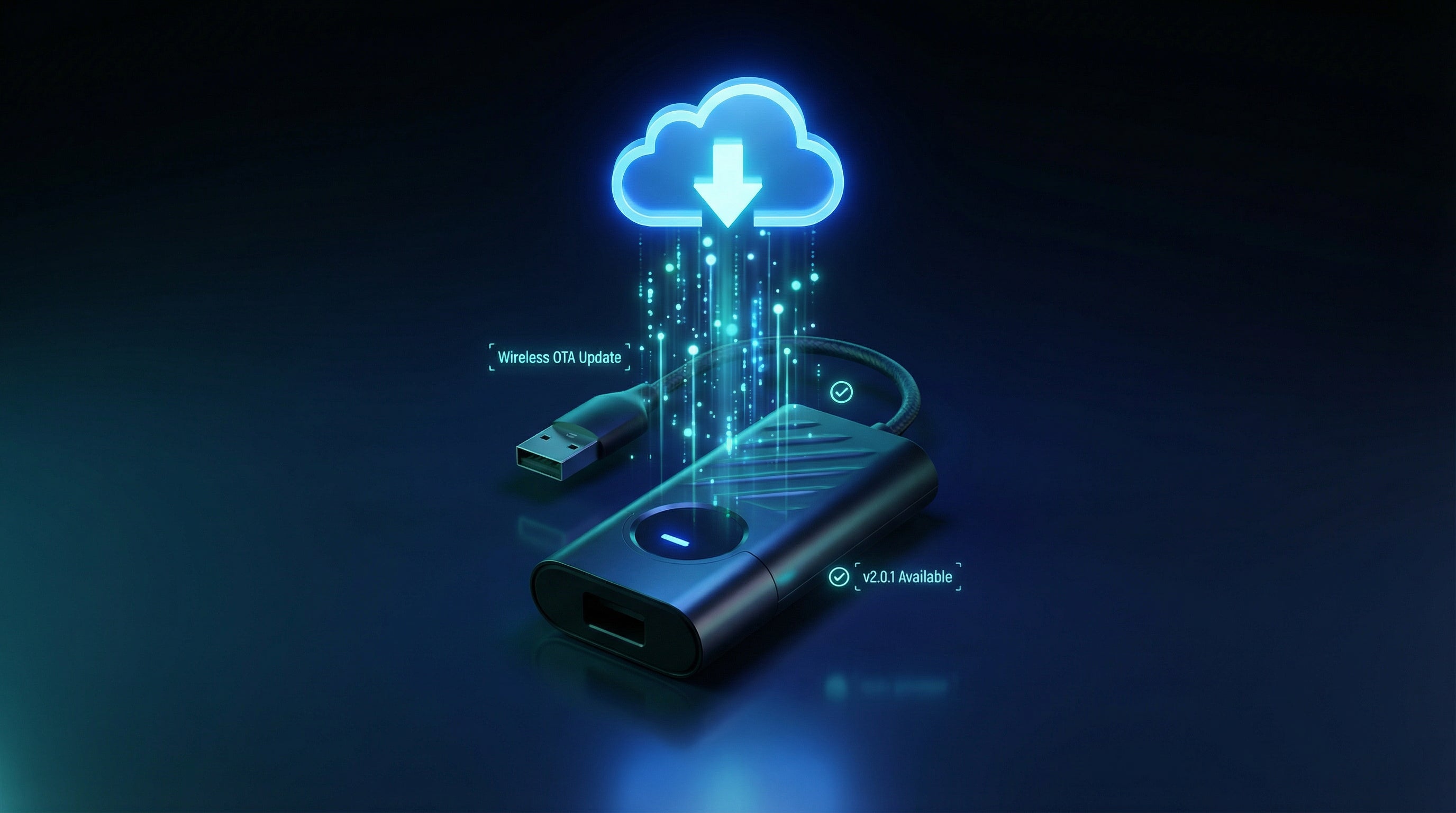
Easy connection and update
Just plug in and use the device right away, and with online updates you'll always have the latest features.

Established and reliable
 35,000+ products sold
 32,000+ Satisfied Customers
Frequently asked questions
Is the device compatible with my car?
Yes, the device is compatible with 98% of car models that support CarPlay or Android Auto. It is only not suitable for BMW cars. For them, we offer another device.
Do I need to install special software for it to work?
No, the device is Plug-and-Play – just connect it to the USB port designated for CarPlay or Android Auto.
What apps can I use with device?
You can enjoy Netflix, YouTube, IPTV Smarters Pro, Spotify, Amazon Prime, Magio TV, Skylink CZ, VK Video, Voyo, Kinopoisk, Watcha, FOD, DASHCAMLINK, Star TV, LINE Music, Kodi, Mediaset Infinity, RaiPlay, TikTok, DAZN, TikTok Lite, RTL+, Joyn, ARD Mediathek, Torne Mobile, Disney+, U-NEXT, Oneplay applications directly through your car screen.
How do I connect the device to the Internet?
You can use the Internet from your mobile phone or the car's built-in Internet connection. The network settings are saved automatically.
How does the device connect to my phone?
A Bluetooth connection will appear on the car screen. Simply find it in your phone's settings and connect.
Can I use the device with both iPhone and Android phone?
Yes, the device is compatible with both Apple and Android devices.
Does the car's factory features remain?
Yes, all factory controls, such as steering wheel controls, voice commands, touchscreen and rotary buttons, remain active.
You did not find an answer to your question?
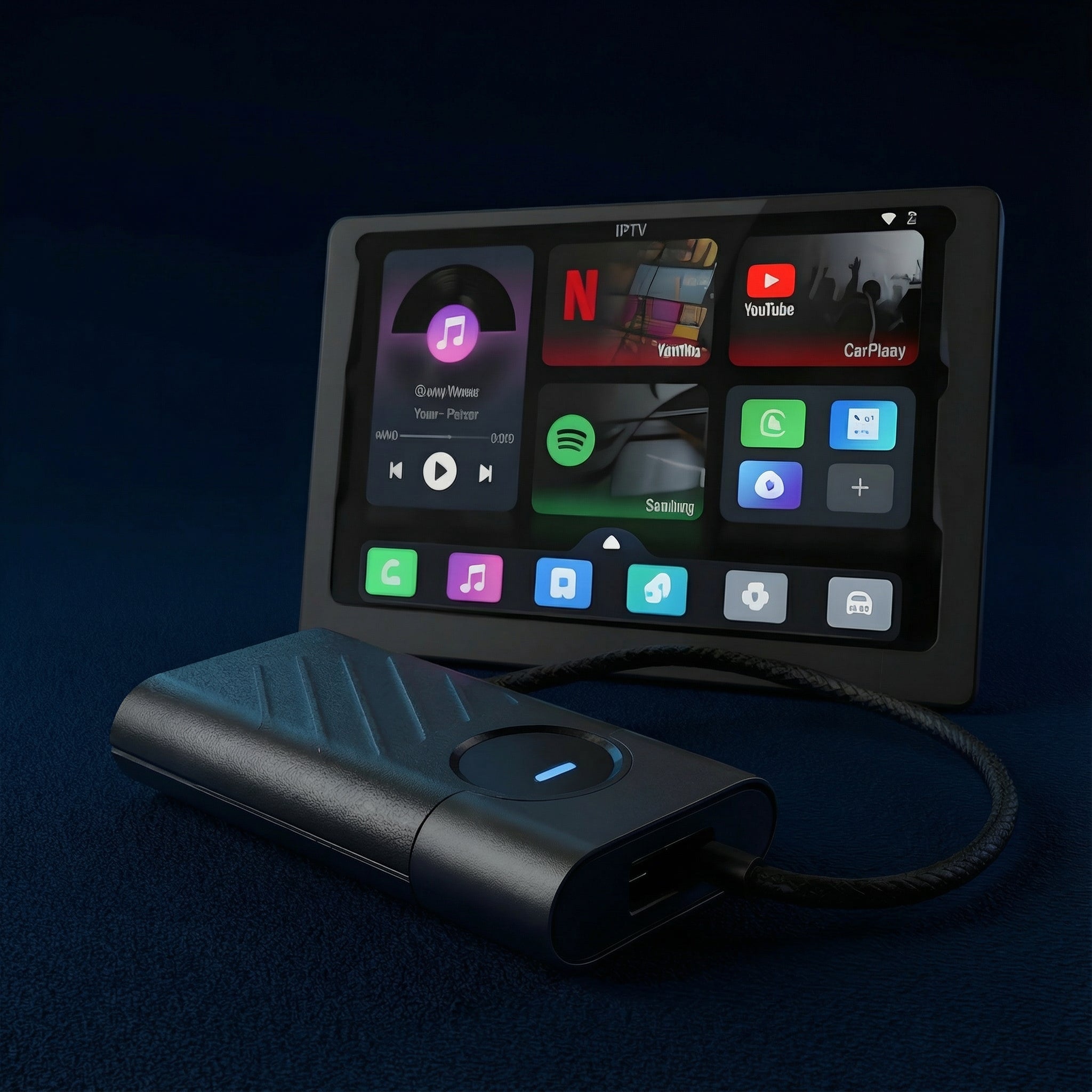
Turn your car's multimedia system into a hub for your favorite apps - completely wireless.
- Works with Android Auto and Apple CarPlay
- Watch Television, Movies and TV Serieswhile you travel
- 29 applications - Netflix, Youtube, Spotify, IPTV, DAZN, TikTok and more.
- Forget about annoying cables – the connection is wireless
- Works on the go
- Easy setup just for 60 seconds
- Automatic connection
Shipping within 24 hours
30 days right of return
This product is rated with 4.0 from 5.0 stars.
He received 10 the review.