
🏆 Best product
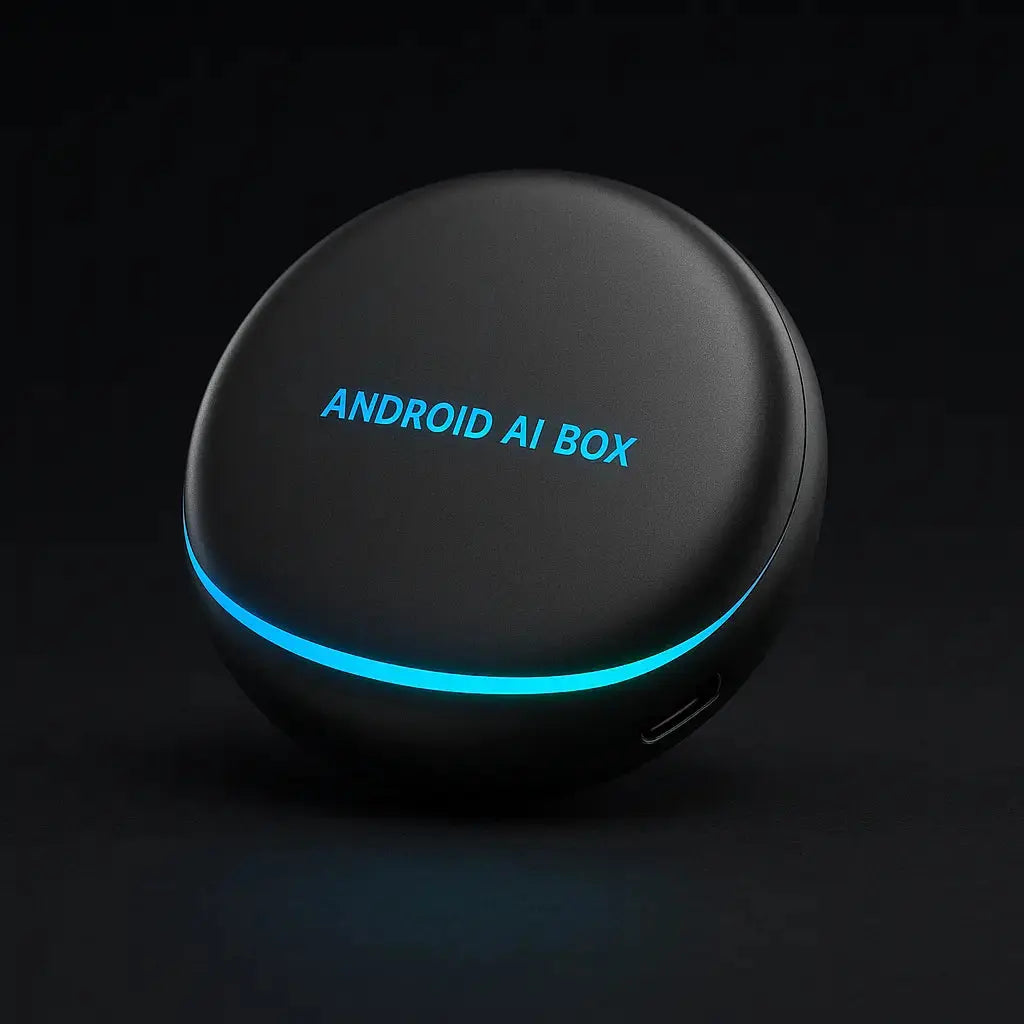
SmartConnect adapter - all your favorite apps on the car screen
- Works with Android Auto and Apple CarPlay
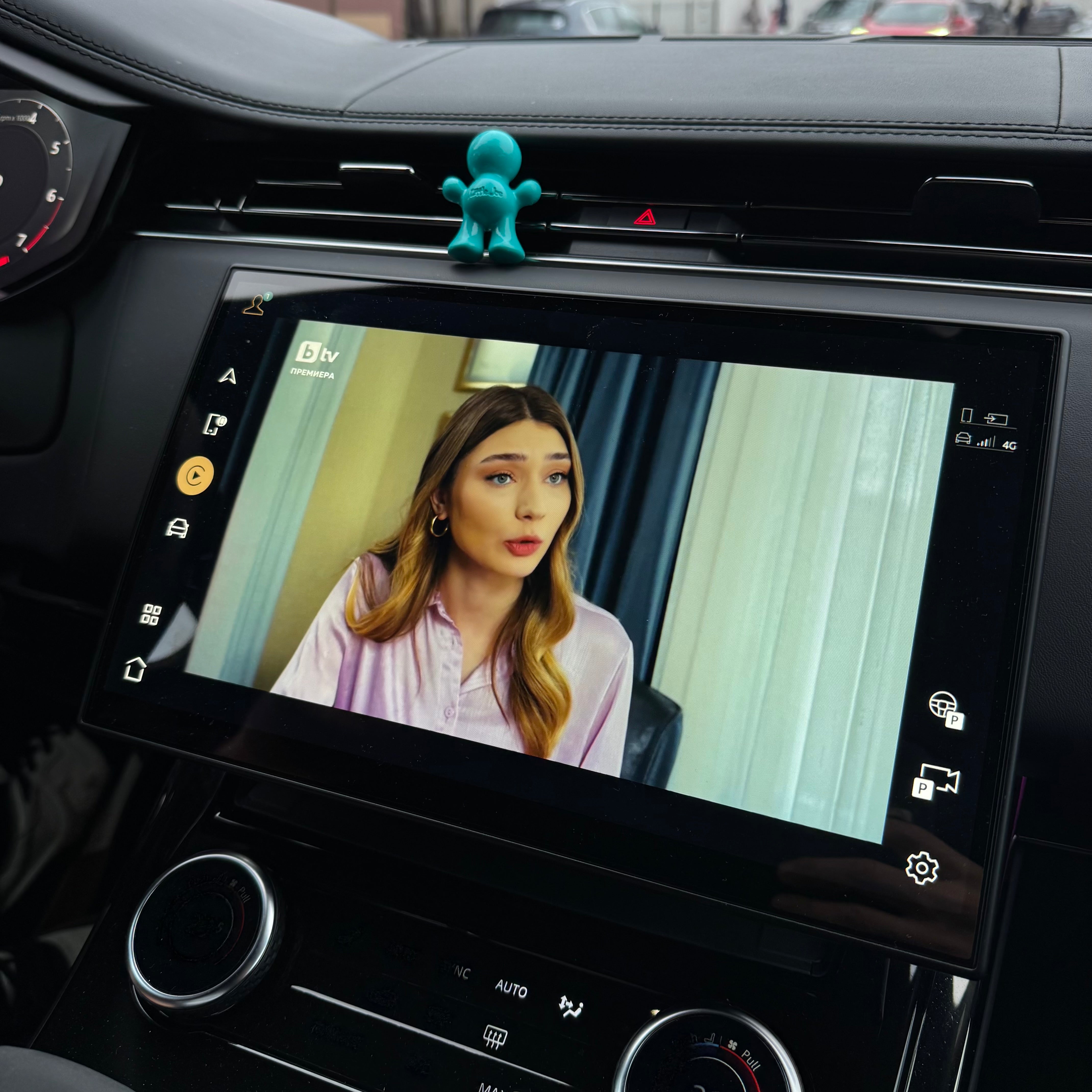
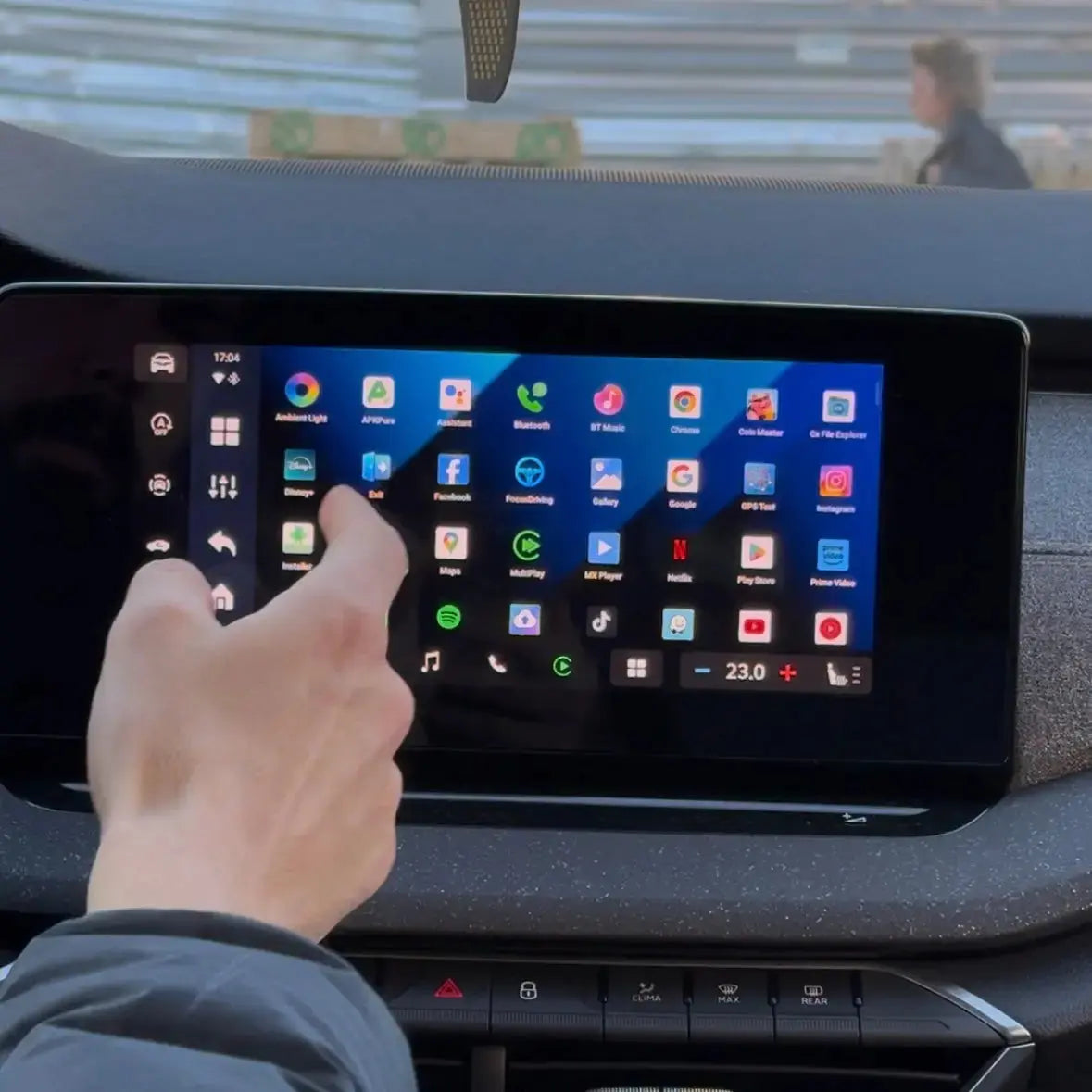
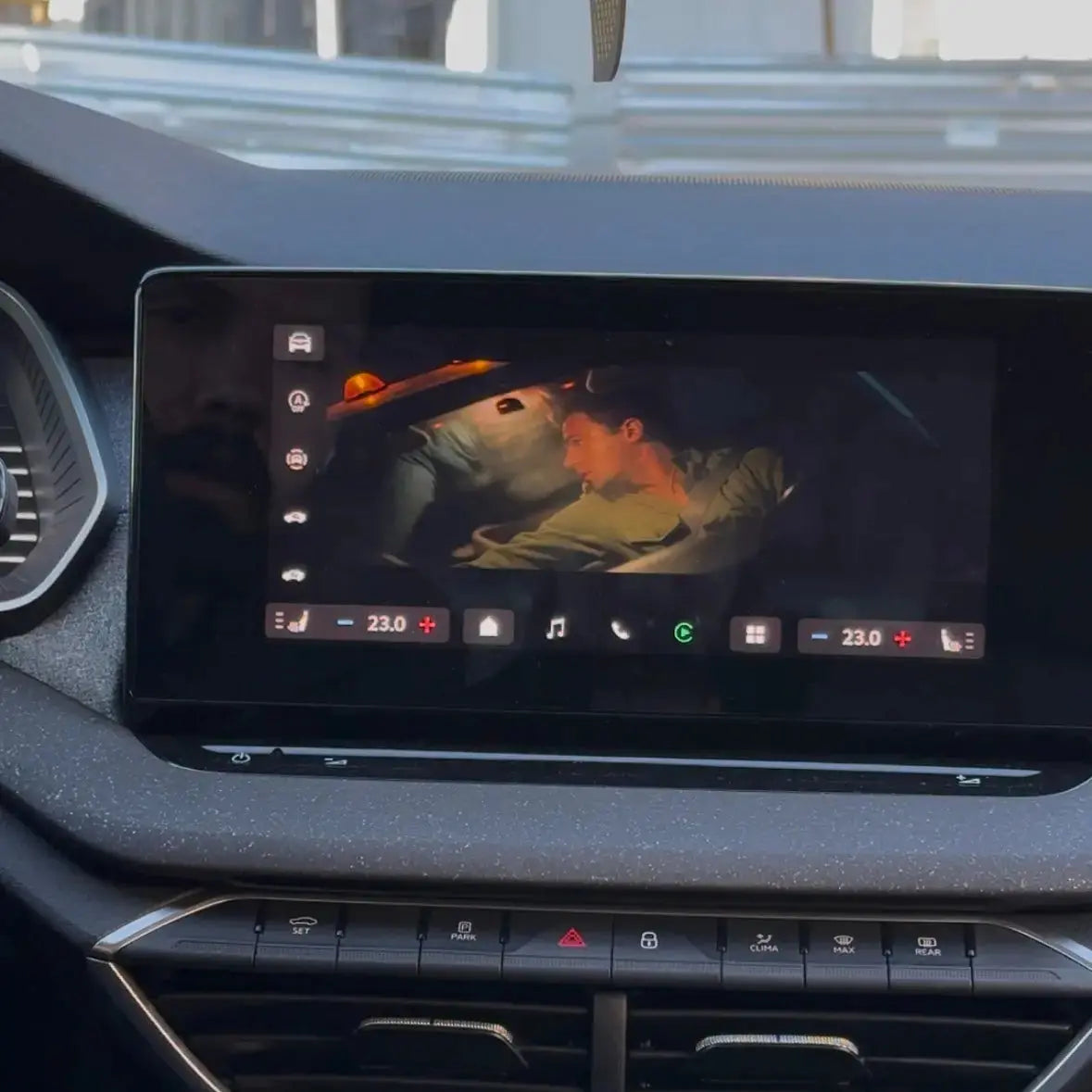
- Watch Television, Netflix, Youtube and all your other favorite apps
- Works on the go
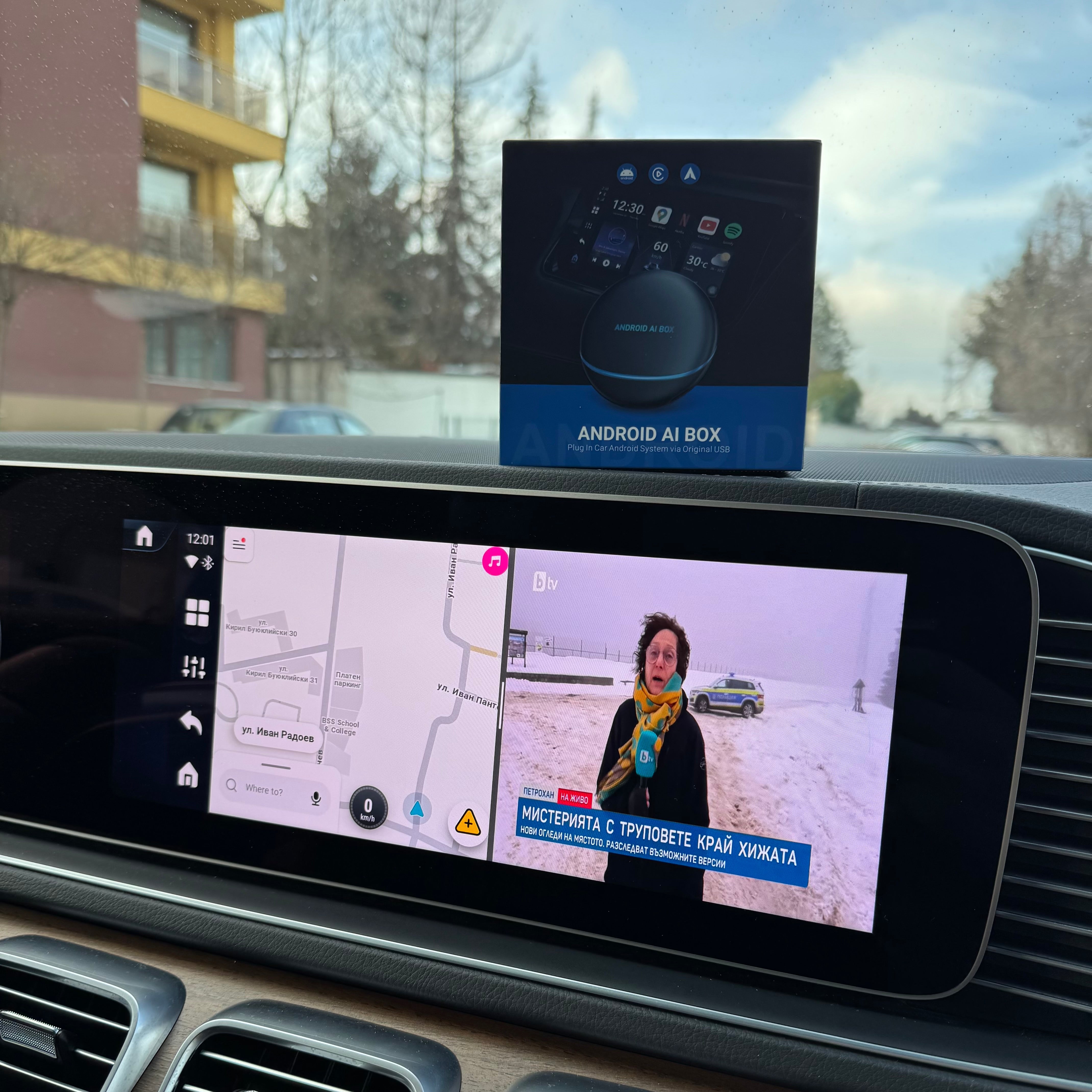
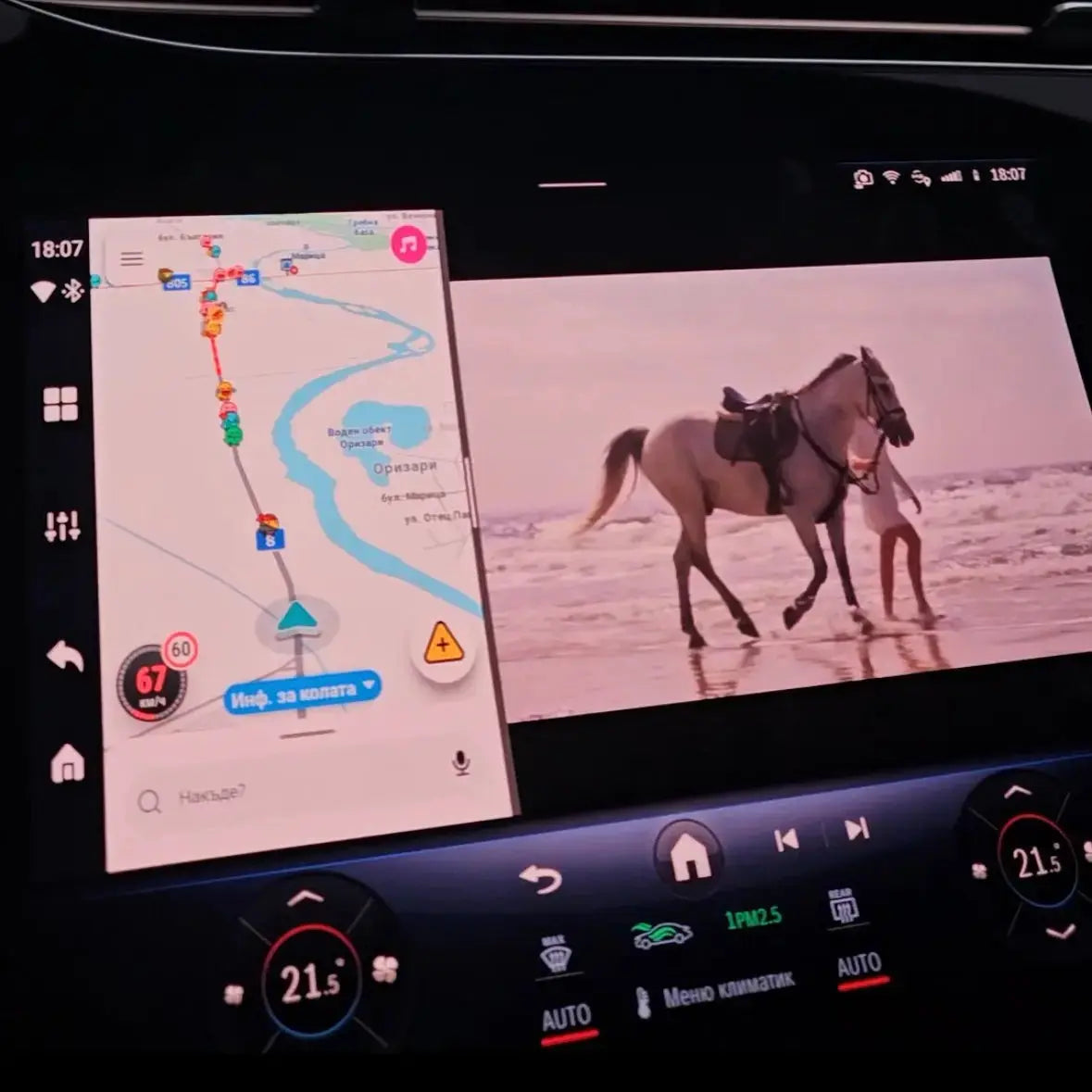
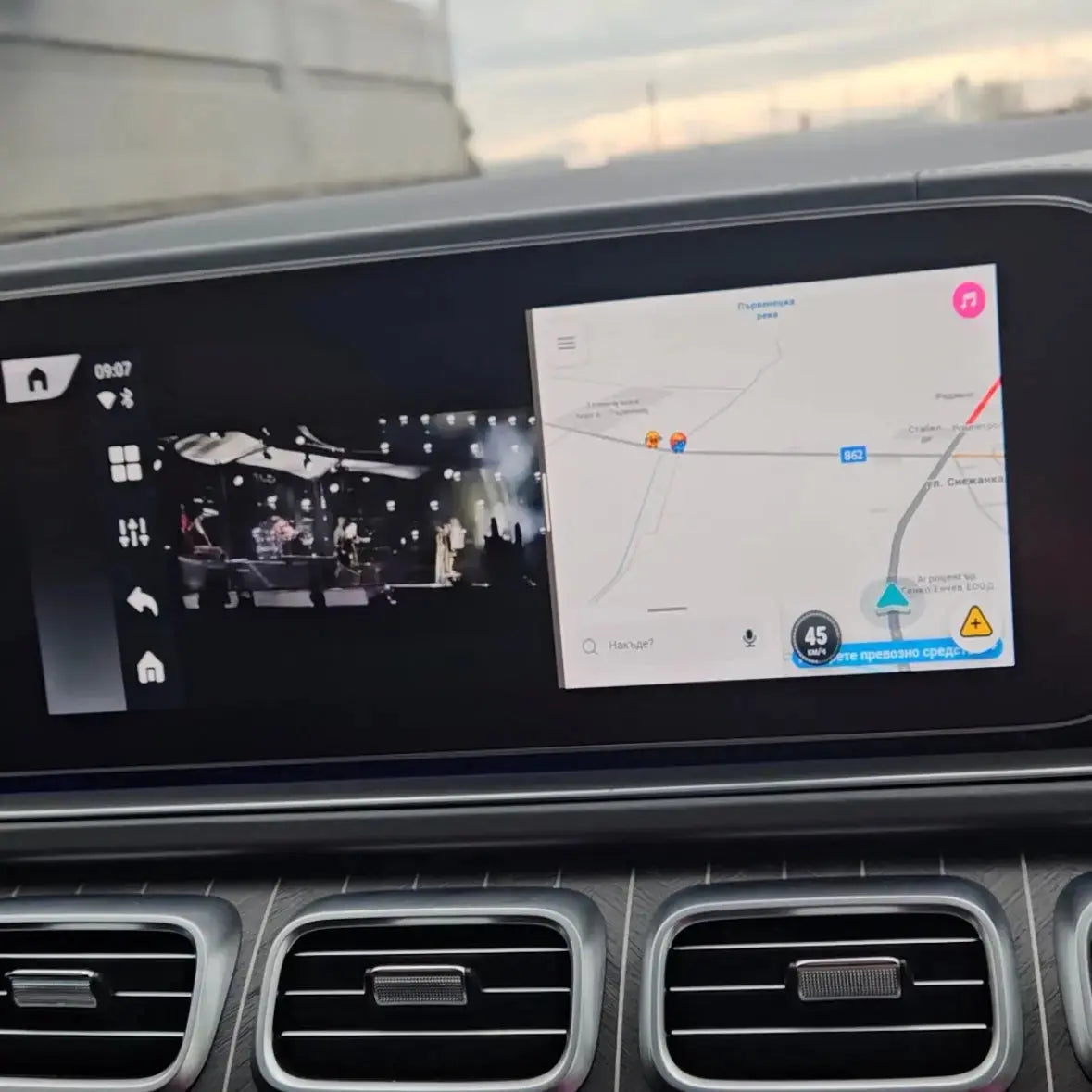
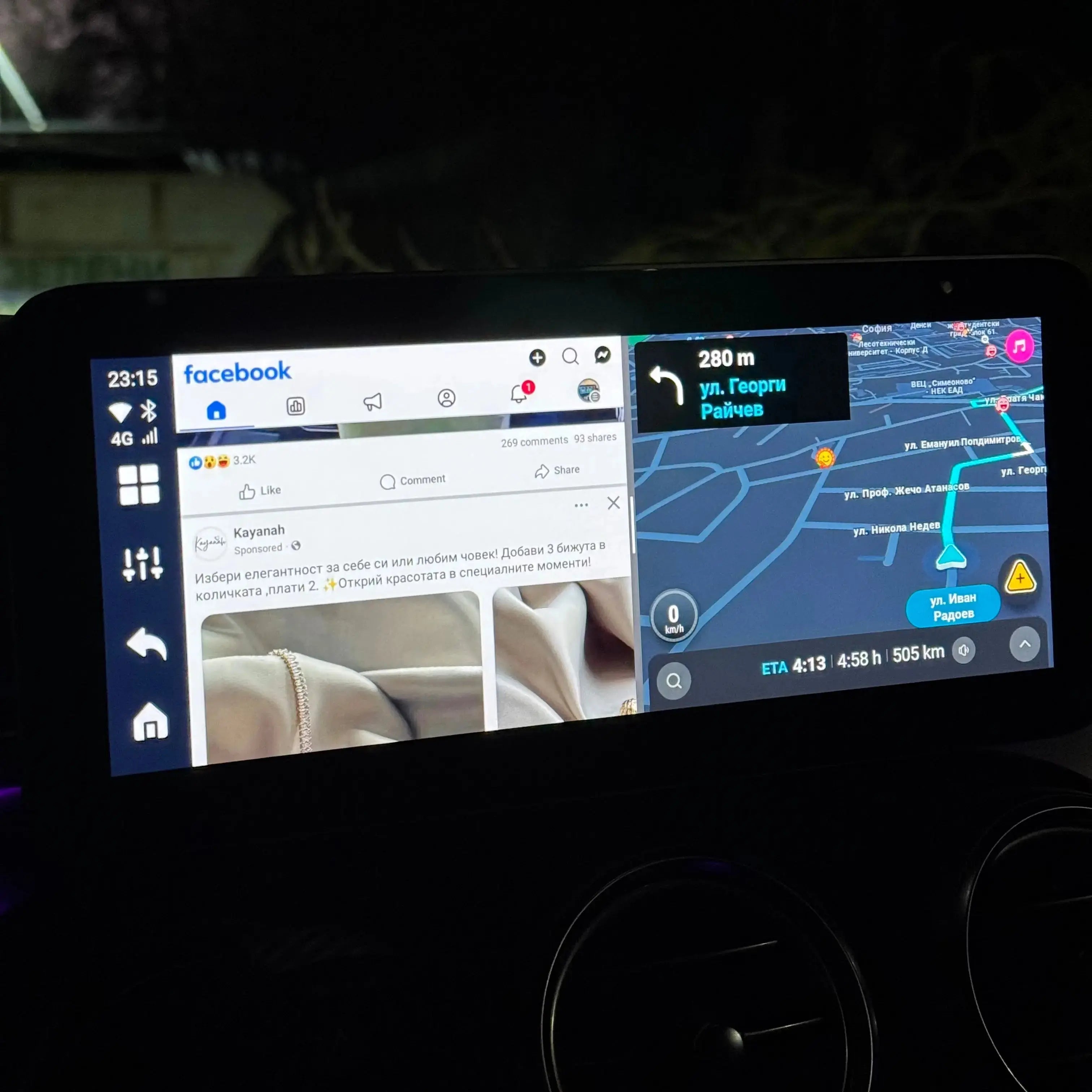
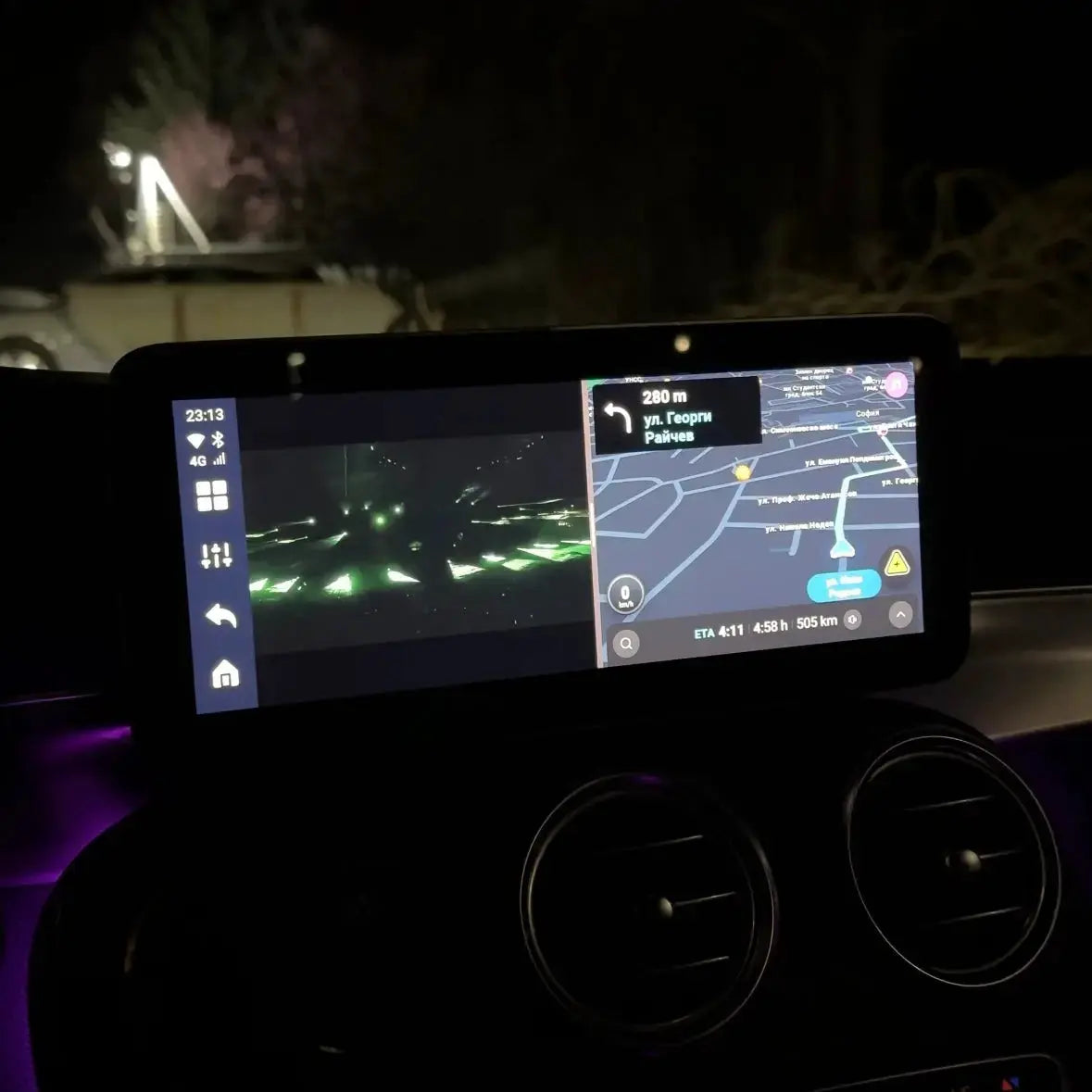
- Function for split screen - watch Google Maps and TV at the same time
- Internet connection via WI-FI, SIM card, CloudSIM and HotSpot
- Possibility of device control via phone
- Automatic connection every time you get in the car

This adapter is compatible with 98% of car brands (except BMW - we offer another device for it).
 Delivery in 1-2 days
 30 days right of return

You get a 2-year warranty
2 year warranty - protection against manufacturing defects
What's in the box?
- SmartConnect Adapter
- USB cable (Type C - A)
- USB cable (Type A - A)
- USB cable (Type C - C)
- User manual
- Packaging
Technical specifications
- Operating system: Android 12
- Processor (CPU): Qualcomm Snapdragon 665
- Memory and storage: 8GB RAM + 128GB ROM
- Expandable memory: TF card up to 256 GB
- Bluetooth: 5.0
- SIM card: Nano SIM (2G/3G/4G LTE)
- Slots: TF slot + Nano SIM slot
- Output: Mini HDMI Output
- Certificates: FCC/CE/Telec/ROHS
Compatibility
- By car: Only works with cars factory-equipped with CarPlay and Android Auto
- Incompatible cars: BMW, Tesla and cars without Carplay or Android Auto
- With phones:
Android 11 and up
iPhone 6 and up - Incompatible phones: Huawei, Xiaomi Redmi
Main functions
- Support for wireless CarPlay and Android Auto
- Access to popular apps: Netflix, IPTV and all available on the Google Play Store
- FOTA online updates + support for OttoPilot system updates
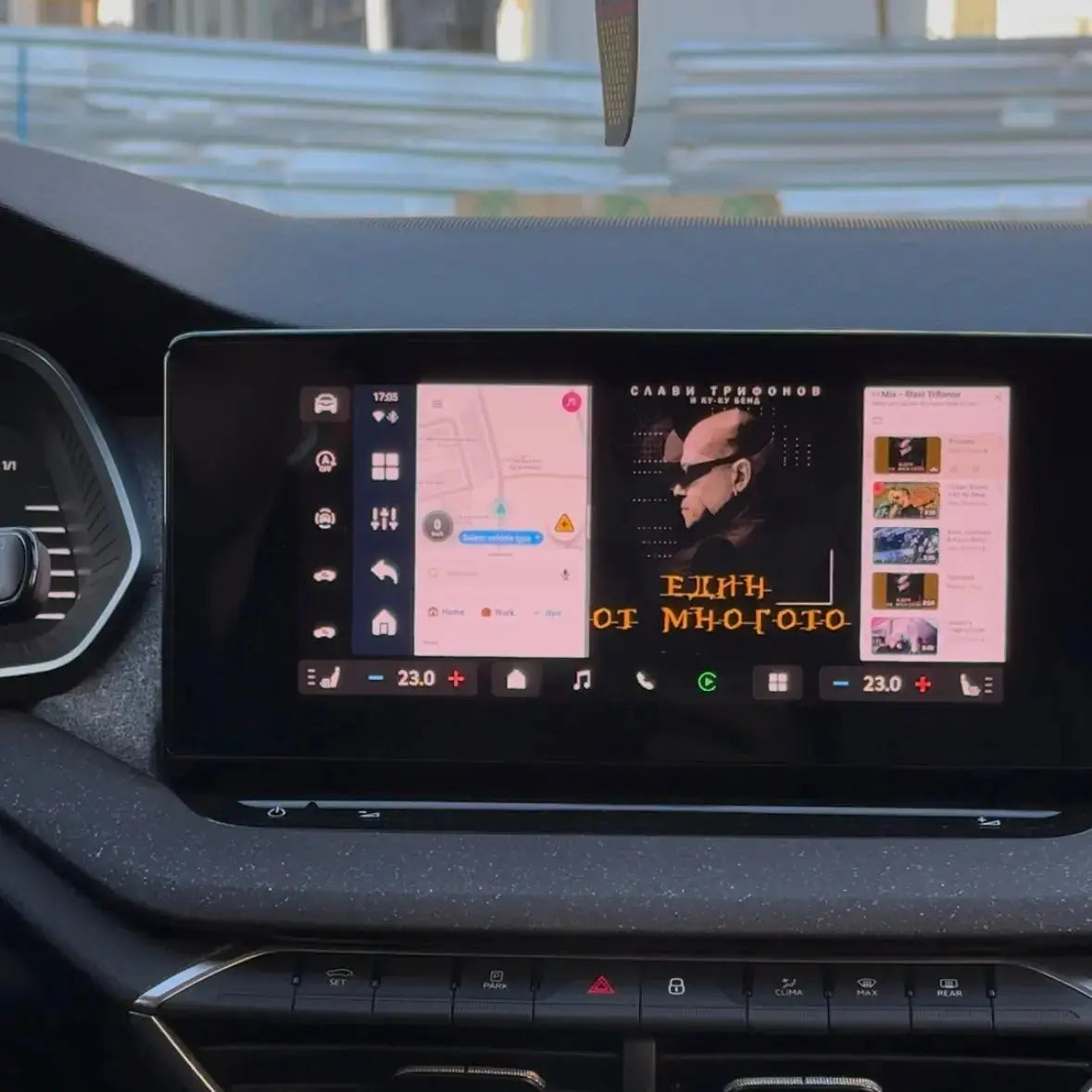
- UI customization – adding widgets, shortcuts and settings to the home screen
- Real-time tracking: processor, network speed and system performance
- Split screen support: 3:7, 5:5, 7:3 – navigation and entertainment at the same time
- Multi-color LED lighting: modes - "running", "breathing", "gradient", "musical", etc.
Shipping and returns
Delivery is made within 1 to 2 business days. If the product does not meet your expectations, you have 30 days to return it. To do this, you can review our Return and Refund Policy or contact us at support@perglot.com
Installation and service
In the kit you will find a detailed installation and usage manual. If you still encounter difficulties, do not hesitate to contact our team at support@perglot.com – we will be happy to assist you.
What the device will change in your car?
| Feature |

|

|
|---|---|---|
| Apple CarPlay/Android Auto | ||
| A relaxing and fun trip with the family | ||
| Video streaming (Netflix, YouTube) | ||
| Google Play Store | ||
| Nice time in everyday traffic jams | ||
| Split-Screen mode | ||
| Full Android system | ||
| Work without a phone | ||
| Internet SIM card | ||
| Games and applications |
Connect your device in 3 easy steps
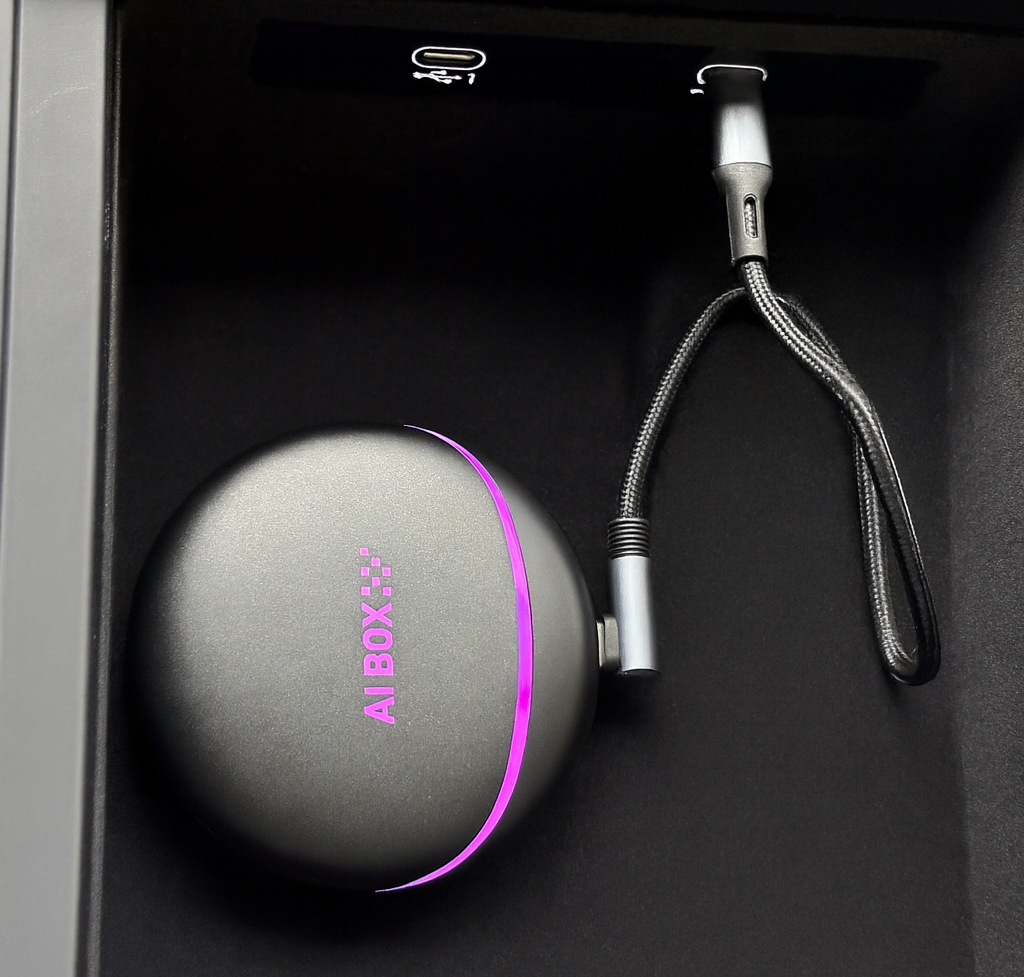
Connect the device to your car
Use the USB cables included in the kit and connect to the port designated for CarPlay or Android Auto.
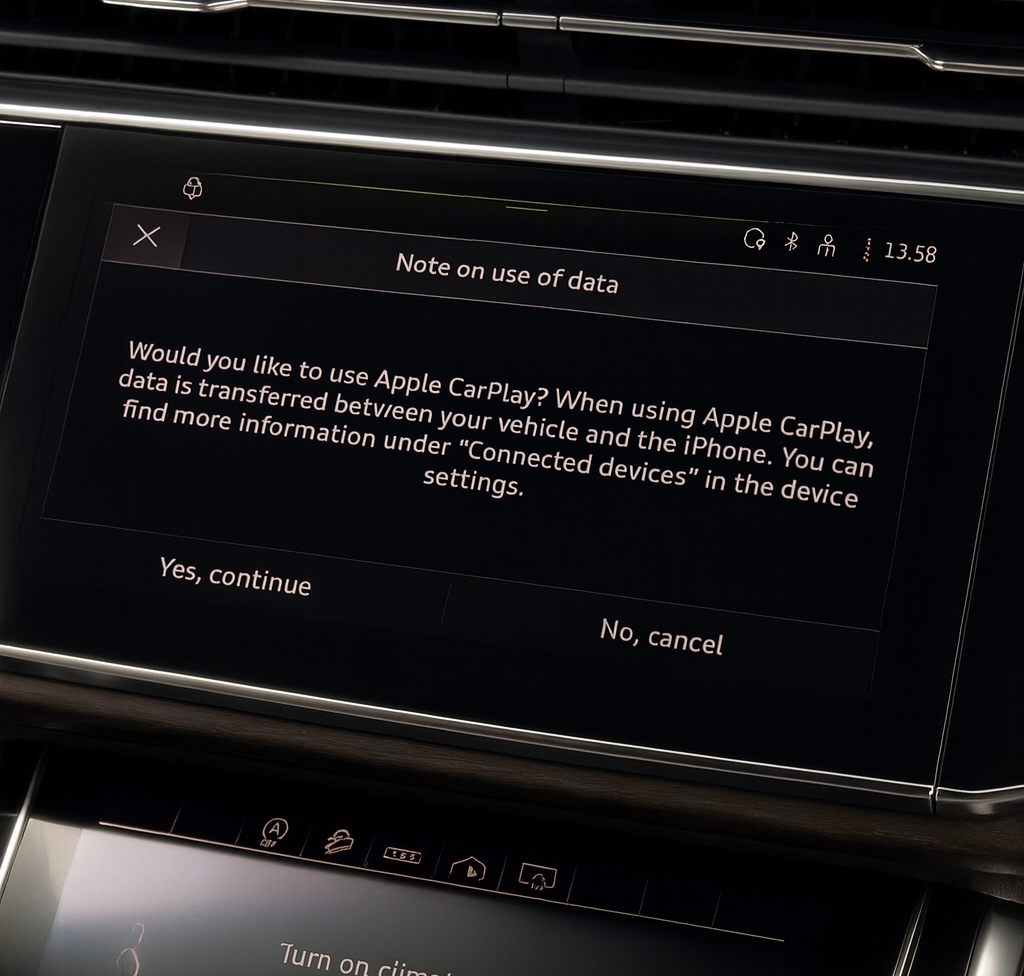
Accept the condition written on the screen by selecting "Yes, Continue"
Wait for the device to start. The car will recognize it as CarPlay/iPhone. Select "Continue".
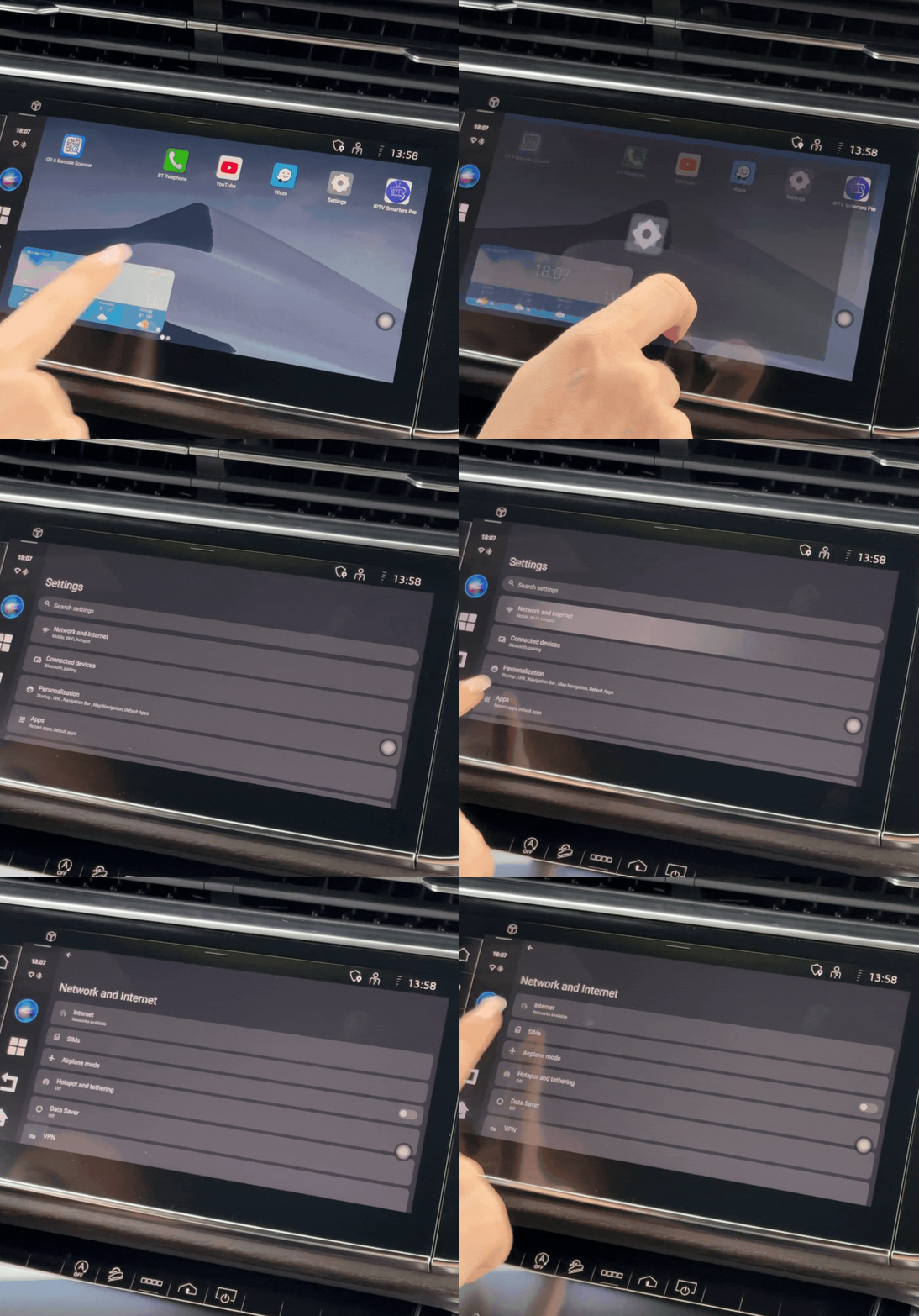
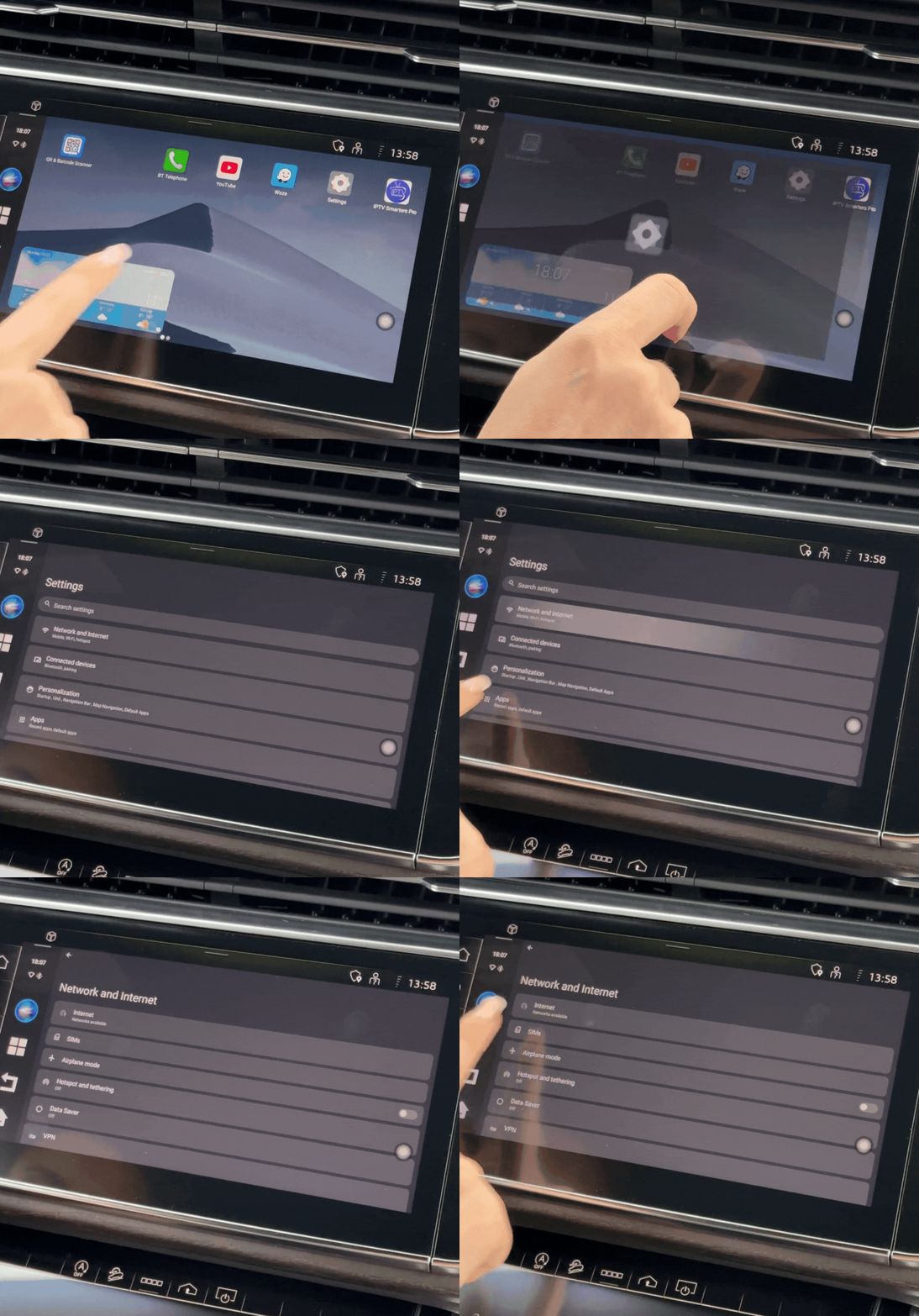
Connecting to the Internet
- Launch the hotspot from your phone and go into the device settings.
- Go to the Network menu & Internet → Internet and search for your Wi-Fi network.
- Select the network and enter the password, if any.
- Settings are saved automatically, so you don't have to repeat them every time you turn it on
SmartConnect is perfect for you if:
- You want TV, Netflix, YouTube and other apps in your car
- You have children, who get bored on long trips
- You want Split Screen - navigation and video at the same time
- You are tired of the limitations of standard CarPlay
- You want independent system, that works without depending on your phone
- You work as professional driver and you spend many hours in the car
- You want modern technology without changing the car's original system
Everything you love – collected in one device!


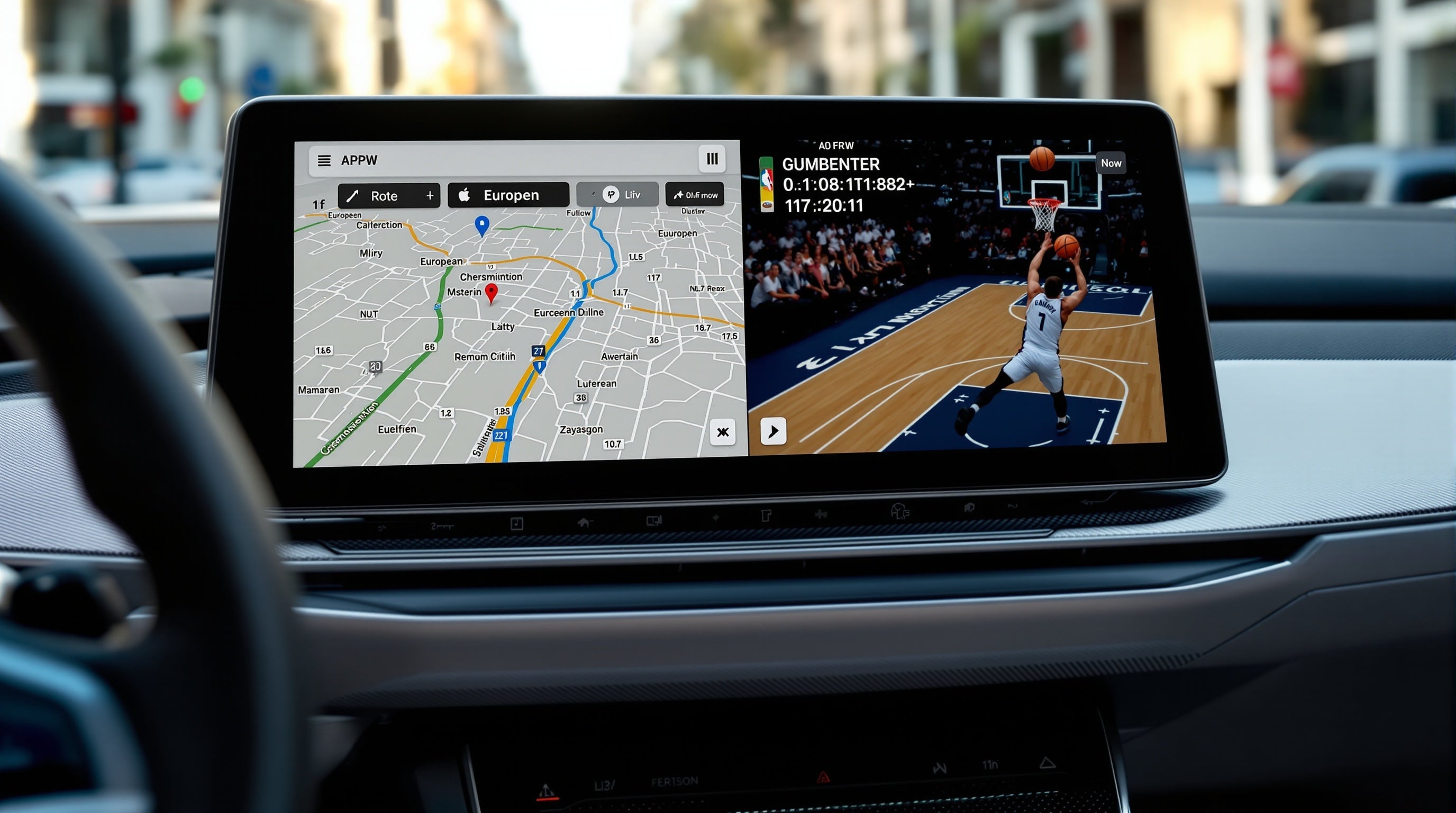
Split screen feature
The driver follows Google Maps, the kids watch Disney+: everyone is happy and content. The split screen allows navigation on one half and entertainment on the other. No more "I can't see the road!" and "It's boring!".
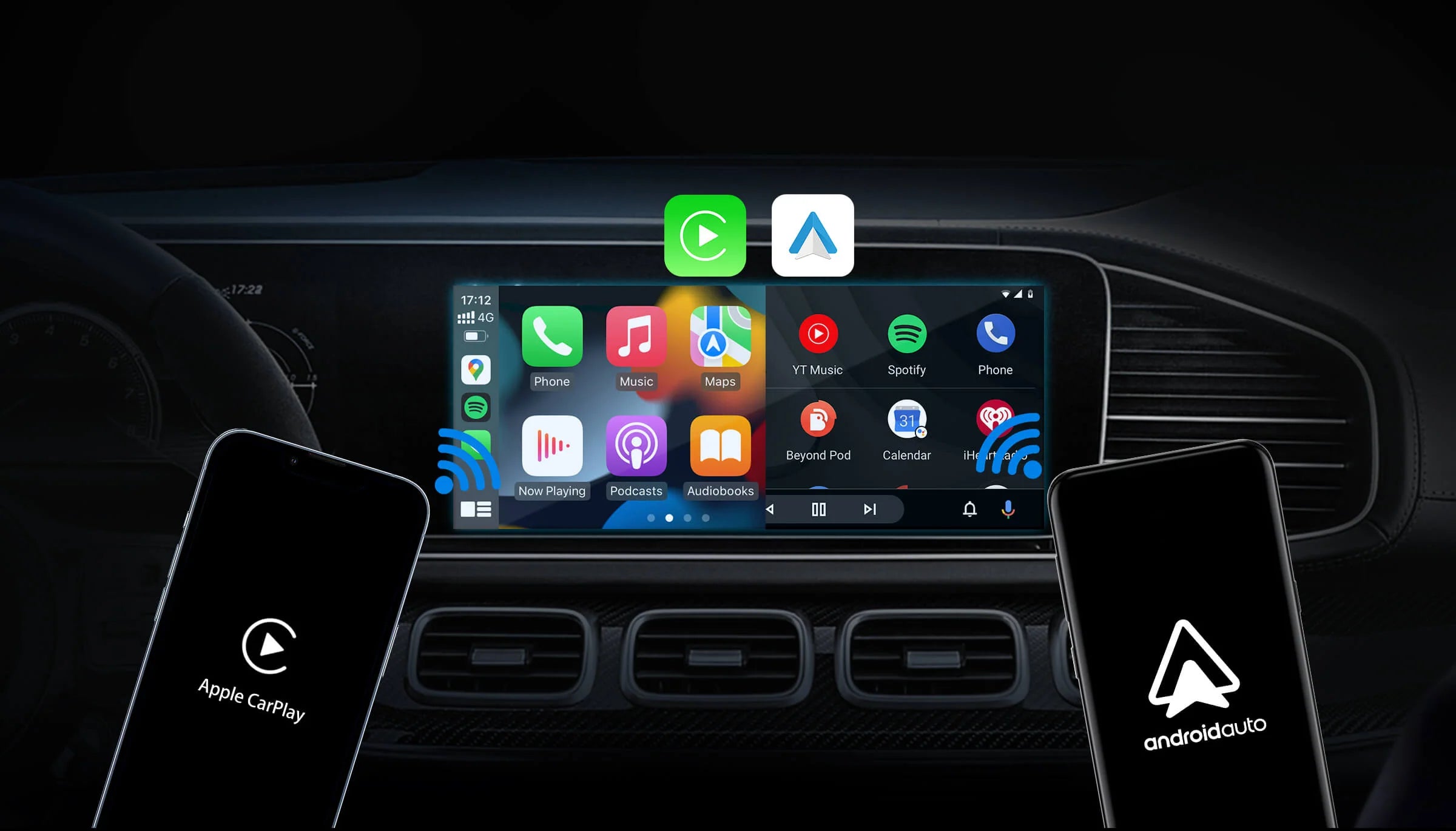
Wireless connection
Forget about cables – the device provides a wireless connection, giving you complete freedom and convenience.
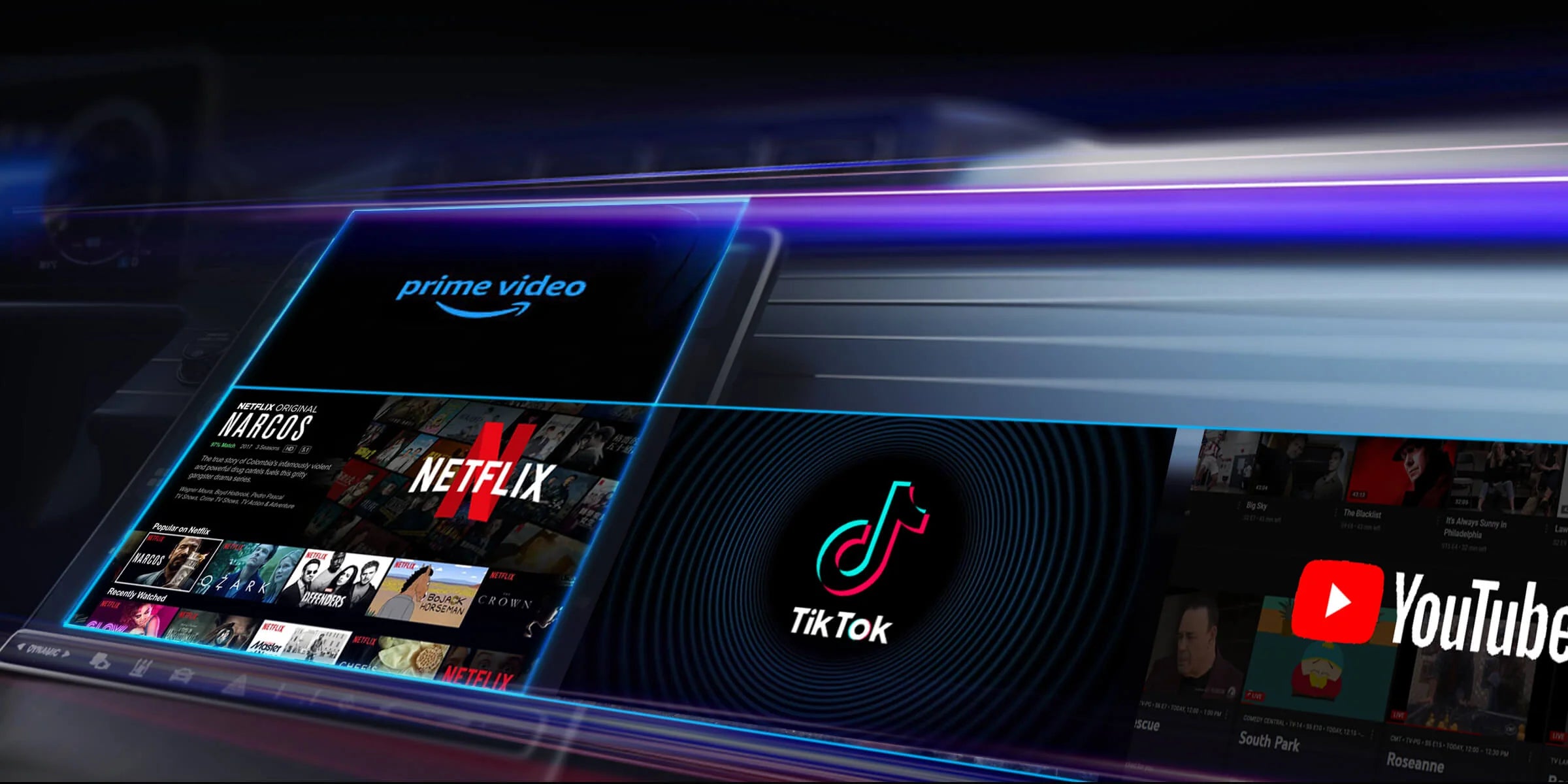
Google Play Store
Download all your favorite apps. Watch YouTube, listen to Spotify or navigate with Waze/Google Maps directly on the car screen – all in one place.

Automatic connection
The device automatically connects to your phone every time you get in the car to start your journey without delay.

Sound quality
Enjoy crystal clear sound that makes every journey a pleasure, whether you're listening to music or having conversations.

Voice Commands
Control your device with just your voice – safely and easily, without getting distracted from driving.
Easy connection and update
Just plug in and use the device right away, and with online updates you'll always have the latest features.
Established and reliable
 35,000+ products sold
 32,000+ Satisfied Customers
Frequently asked questions
Will it work in my car?
If your car has Apple CarPlay or Android Auto (wired or wireless), yes - it will work. It does not work with BMW, MINI and Tesla. To check: plug your phone into the USB port - if CarPlay/Android Auto comes out, the device will work.
Do I need internet?
It depends on what you want to do. For Netflix/YouTube - yes. You have two options: (1) Put a SIM card directly in the device, or (2) Use a hotspot from your phone. For offline movies - you don't need internet, you put in a microSD card.
Will it eat the car battery?
No. The device turns on when you start the car and turns off when you turn it off. Just like the radio. When the car is not running, the device does not draw any power.
How do I connect the device to the Internet?
You can use the Internet from your mobile phone or the car's built-in Internet connection. The network settings are saved automatically.
Can I move it to another car?
Yes. You take it out of one car, plug it into the other. All settings are saved. Perfect if you have two cars or want to use it with a partner.
What can I watch/do?
Everything from the Google Play Store: Netflix, YouTube, HBO Max, Disney+, IPTV apps for live TV, games, Spotify, podcasts - whatever there is for Android.
Does the car's factory features remain?
Yes, all factory controls, such as steering wheel controls, voice commands, touchscreen and rotary buttons, remain active.
What if I don't like it?
You have 30 days to return it for a full refund, no questions asked. The return rate is under 2% (mainly from people with incompatible cars).
Am I going to mess something up in the car's computer?
No. The device only uses the screen - it does not connect to the car's computer. Children cannot accidentally change anything in the car's settings.
You did not find an answer to your question?
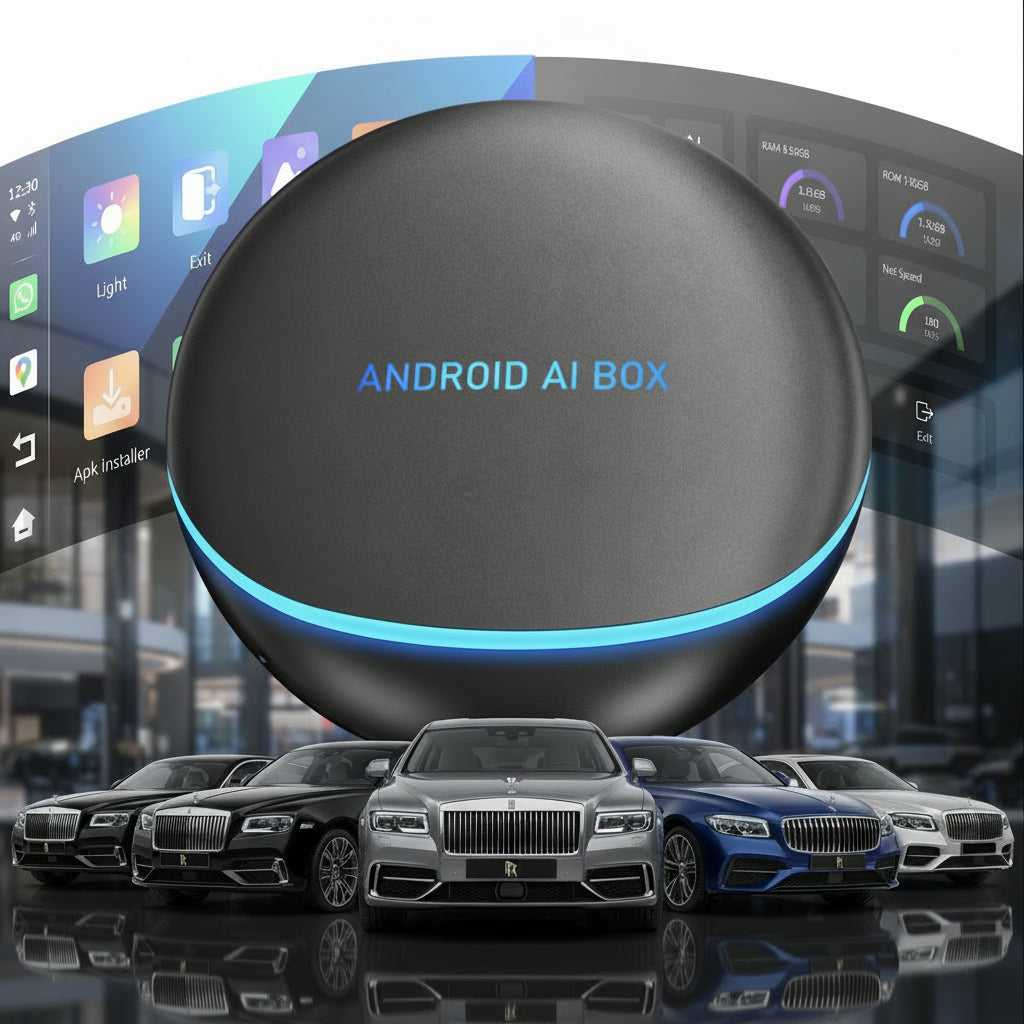
Turn your car's multimedia system into a hub for your favorite apps - completely wireless.
- Works with Android Auto and Apple CarPlay
- Watch Television, Netflix and YouTube
- Forget about annoying cables – the connection is wireless
- Works on the go
- Easy setup in just 60 seconds
- Automatic connection
Delivery in 1-2 days
30 days right of return
This product has no reviews yet.